Key Takeaways
- Setting up Claude for high-performance agentic programming involves careful environment configuration, secure API key management, and understanding agentic principles.
- Anthropic offers various Claude models (Haiku, Sonnet, Opus) with different capabilities and pricing, accessible via API or subscription plans.
- Securely managing your API key using environment variables or secret management systems is crucial to prevent unauthorized access and unexpected costs.
- High-performance agentic workflows with Claude require robust error handling, state management, and effective tool integration.
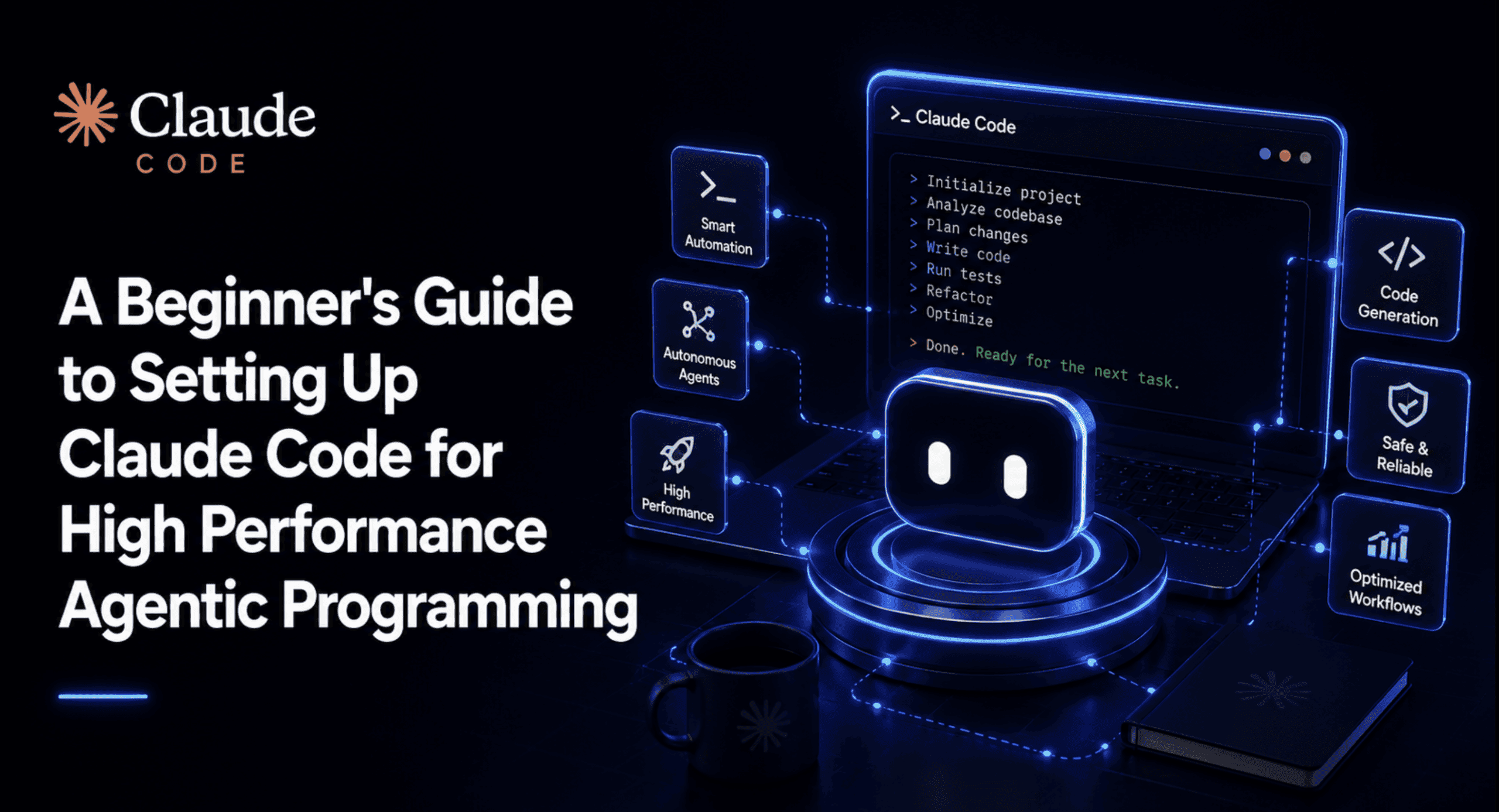
A Beginner's Guide to Setting Up Claude Code for High Performance Agentic Programming
Artificial intelligence is moving fast, and one of the most exciting areas right now is "agentic programming." This is where AI models don't just answer questions but can actually plan, act, and achieve goals by interacting with tools and environments. Claude, developed by Anthropic, is a powerful large language model (LLM) that excels in these agentic capabilities.
But how do you go from a basic Claude API call to a setup that can handle complex, sustained agentic work? This guide will walk you through the essential configurations, permissions, and best practices to get your Claude Code environment ready for high-performance agentic programming. We'll cover everything from getting your API key to implementing robust agentic workflows, ensuring your setup is solid and secure.
What is Agentic Programming with Claude?
Before we dive into the setup, let's quickly define agentic programming. Traditionally, you might send a prompt to an LLM, get a response, and that's it. In agentic programming, the LLM (like Claude) becomes an "agent" that can:
- Plan: Break down a complex goal into smaller, manageable steps.
- Act: Execute those steps, often by using external tools (like a terminal, web browser, or custom scripts).
- Observe: Process the results or feedback from its actions.
- Reflect & Repeat: Learn from its observations, refine its plan, and continue acting until the goal is met.
Claude Code, specifically, is Anthropic's agentic coding tool that runs in your terminal. It can read and write files, run command-line tools, browse the web, and tackle multi-step tasks with minimal human oversight. This makes it incredibly useful for developers looking to automate complex coding tasks, research, and even system administration.
Step 1: Get Your Claude API Key
To start building with Claude, you'll need an API key from Anthropic. Anthropic, a public benefit corporation founded in 2021 by former OpenAI members, including siblings Daniela and Dario Amodei, is dedicated to AI safety and research. Their flagship product is the Claude series of LLMs.
Follow these steps to get your key:
- Go to the official Anthropic Console.
- If you don't have an account, sign up. Otherwise, log in.
- Once logged in, navigate to the "API Keys" section within your Account Settings.
- Click the "Create Key" button.
- Give your key a descriptive name (e.g., "MyAgenticProjectKey") and click "Create Key".
- Important: Copy the generated API key immediately and store it securely. You won't be able to view it again once you leave the page.
Anthropic offers various pricing models. For individual developers, you can access Claude via a free tier, or upgrade to a Pro plan for $20/month (or $17/month annually) which includes Claude Code and higher usage limits. For API usage, pricing is pay-as-you-go, calculated per million tokens. For example, Claude Opus 4.6 costs $5 per million input tokens and $25 per million output tokens, while Claude Sonnet 4.6 is $3 input / $15 output per million tokens, and Claude Haiku 4.5 is $1 input / $5 output per million tokens.
Step 2: Set Up Your Development Environment
A clean and organized development environment is key for any project, especially when dealing with AI agents.
1. Install Python
Claude's Python SDK requires Python 3.9 or newer. If you don't have it, download and install the latest version from the official Python website.
2. Create a Virtual Environment
Virtual environments help manage project dependencies and avoid conflicts. It's a best practice for any Python development.
python3 -m venv .venv
source .venv/bin/activate  # On macOS/Linux
.venv\Scripts\activate     # On Windows
This creates a folder named .venv in your project directory and activates it. You'll see `(.venv)` at the beginning of your terminal prompt when it's active.
Step 3: Install the Anthropic Python SDK
The Anthropic Python SDK provides convenient access to the Claude API.
pip install anthropic
If you're using Claude Platform on AWS, you might install it with `pip install -U "anthropic[aws]"`.
Step 4: Securely Manage Your API Key
Never hardcode your API key directly into your scripts. This is a major security risk. The best practice is to use environment variables.
Using Environment Variables
The Anthropic SDK automatically looks for an API key in the `ANTHROPIC_API_KEY` environment variable.
For temporary use (current terminal session):
export ANTHROPIC_API_KEY="your_api_key_here" # macOS/Linux
$env:ANTHROPIC_API_KEY="your_api_key_here" # PowerShell
set ANTHROPIC_API_KEY="your_api_key_here" # Windows Command Prompt
For permanent use (best practice for development):
Use a .env file and the python-dotenv library.
- Install
python-dotenv:pip install python-dotenv - Create a file named
.envin your project's root directory:ANTHROPIC_API_KEY="your_api_key_here" - Crucial: Add
.envto your.gitignorefile to prevent accidentally committing your API key to version control..venv/ .env - In your Python script, load the environment variables:
import os
from dotenv import load_dotenv
import anthropic

load_dotenv() # This loads the variables from .env

client = anthropic.Anthropic(
    api_key=os.environ.get("ANTHROPIC_API_KEY")
)
# Now you can use the client
For production deployments, consider using a dedicated Secret Management System (KMS) provided by your cloud provider (AWS Secrets Manager, Google Secret Manager, Azure Key Vault) for enhanced security, access control, and audit trails.
Step 5: Basic Claude API Call
Let's make a simple call to Claude to ensure everything is set up correctly.
import os
from dotenv import load_dotenv
import anthropic

load_dotenv()

client = anthropic.Anthropic(
    api_key=os.environ.get("ANTHROPIC_API_KEY")
)

try:
    message = client.messages.create(
        model="claude-sonnet-5", # Or "claude-opus-4-8", "claude-haiku-4-5"
        max_tokens=1024,
        messages=[
            {"role": "user", "content": "Hello, Claude! What can you do?"}
        ]
    )
    print(message.content)
except Exception as e:
    print(f"An error occurred: {e}")
Anthropic's models include Haiku (fastest, smallest), Sonnet (balanced), and Opus (most capable, most expensive). Claude Sonnet 5, released on June 30, 2026, is designed to be highly agentic and is the default for Free and Pro plans.
Step 6: Understanding Agentic Principles for Claude
To build high-performance agents, you need to think beyond single prompts. Claude's agentic loop involves gathering context, taking action, and verifying results.
1. Tool Use (Function Calling)
Claude can be equipped with "tools" (or "skills") which are functions it can call to interact with the outside world. These could be anything from running terminal commands to making API calls or searching the web.
The Anthropic API allows you to define tools and pass them to Claude. When Claude decides a tool is needed, it will output a tool-use request, which your code then executes, and the result is fed back to Claude.
# Example of a simple tool
def get_current_weather(location: str):
    """Fetches the current weather for a given location."""
    # In a real scenario, this would call a weather API
    if location == "London":
        return {"temperature": "15C", "conditions": "cloudy"}
    return {"temperature": "22C", "conditions": "sunny"}

# When defining your message, you'd include tools:
# client.messages.create(
#     model="claude-sonnet-5",
#     max_tokens=1024,
#     messages=[
#         {"role": "user", "content": "What's the weather like in London?"}
#     ],
#     tools=[
#         {
#             "name": "get_current_weather",
#             "description": "Get the current weather for a specific location.",
#             "input_schema": {
#                 "type": "object",
#                 "properties": {
#                     "location": {"type": "string", "description": "The city name"}
#                 },
#                 "required": ["location"]
#             }
#         }
#     ]
# )
# Your code would then parse Claude's response, identify the tool call,
# execute get_current_weather, and send the result back to Claude.
2. Managing Conversational State (Memory)
For agents to perform sustained work, they need memory. This means keeping track of previous turns in a conversation, tool outputs, and internal reasoning. The `messages` parameter in the Claude API is crucial for this, as it allows you to pass the entire conversation history.
For long-running agents, simply passing the full history can quickly consume your token budget. Consider strategies like:
- Summarization: Periodically summarize older parts of the conversation.
- Retrieval Augmented Generation (RAG): Store relevant information in a vector database and retrieve it when needed, injecting it into the prompt.
- Persistent Memory: Tools like persistent memory can cut token usage by up to 90% for multi-turn agents.
Step 7: Setting Up for High Performance Agentic Work
Moving from basic API calls to robust agentic systems requires attention to several details.
1. Robust Error Handling and Retries
API calls can fail due to network issues, rate limits, or unexpected model responses. Implement `try-except` blocks and exponential backoff for retries.
import time
from anthropic import Anthropic, APIStatusError

def call_claude_with_retries(client: Anthropic, messages, model, max_tokens, retries=5):
    for i in range(retries):
        try:
            response = client.messages.create(
                model=model,
                max_tokens=max_tokens,
                messages=messages
            )
            return response
        except APIStatusError as e:
            if e.status_code == 429 and i < retries - 1: # Rate limit error
                print(f"Rate limit hit. Retrying in {2**(i+1)} seconds...")
                time.sleep(2**(i+1))
            else:
                raise e
        except Exception as e:
            print(f"An unexpected error occurred: {e}")
            raise e
    return None

# Usage:
# response = call_claude_with_retries(client, my_messages, "claude-sonnet-5", 1024)
2. Input/Output Parsing and Validation
Agents often need structured input and produce structured output (e.g., JSON). Use libraries like Pydantic to define expected data structures and validate responses.
from pydantic import BaseModel, ValidationError
import json

class ToolCall(BaseModel):
    tool_name: str
    arguments: dict

def parse_tool_call(response_content: str) -> ToolCall | None:
    try:
        # Assuming Claude outputs JSON for tool calls
        data = json.loads(response_content)
        return ToolCall(**data)
    except (json.JSONDecodeError, ValidationError):
        return None

# Example usage within your agent logic
# if tool_call_data := parse_tool_call(claude_response.content):
#     # Execute tool
3. Asynchronous Operations
For higher performance and to avoid blocking, especially when making multiple API calls or running tools, use asynchronous programming with `asyncio` and the `AsyncAnthropic` client. The Anthropic Python SDK supports both synchronous and asynchronous operations.
import os
from dotenv import load_dotenv
import anthropic
from anthropic import AsyncAnthropic

load_dotenv()

async_client = AsyncAnthropic(
    api_key=os.environ.get("ANTHROPIC_API_KEY")
)

async def main():
    try:
        message = await async_client.messages.create(
            model="claude-sonnet-5",
            max_tokens=1024,
            messages=[
                {"role": "user", "content": "Tell me a short story about an AI agent."}
            ]
        )
        print(message.content)
    except Exception as e:
        print(f"An error occurred: {e}")

# import asyncio
# asyncio.run(main())
4. Monitoring and Logging
When running agents, especially in production, you need to know what they're doing, how many tokens they're consuming, and if they're encountering errors. Implement comprehensive logging:
- Log all inputs and outputs to Claude.
- Log tool calls and their results.
- Track token usage for cost analysis.
- Monitor latency and error rates.
For enterprise teams, centralized logging with metadata (who, which team, project, model, tokens, cost, duration) is essential for cost breakdown, debugging, and compliance.
5. Permissions and Hooks
When Claude Code operates in a terminal, it has the same permissions as the developer. This means you need to be mindful of what actions your agent can take. For advanced setups, you might consider:
- Granular Access Controls: Define specific permissions for different agents or tasks.
- Guardrails: Implement input and output guardrails to prevent sensitive data leakage, enforce token limits, and block prompt injection patterns.
- Hooks: Integrate custom scripts or tools that run at specific points in the agent's workflow (e.g., pre-processing prompts, post-processing responses).
Advanced Tips for Agentic Programming
- Cost Optimization: Agentic loops can consume tokens rapidly. Use cheaper models like Haiku for simpler tasks, implement smart summarization, and leverage Anthropic's message batches API for asynchronous processing at a 50% cost reduction.
- Prompt Engineering for Agents: Be explicit in your prompts about the agent's goal, available tools, and expected output format. Provide examples of tool usage. "Don't be vague. Be specific."
- Version Control for Agent Logic: Treat your agent's code, tool definitions, and prompt templates like any other codebase. Use Git for version control.
- Continuous Improvement: Agentic systems benefit from an iterative development cycle. Learn from agent failures, refine your prompts, improve tool definitions, and update context layers with new learnings.
By following these steps, you'll build a robust and efficient environment for developing high-performance agentic applications with Claude. The world of AI agents is rapidly evolving, and a solid foundation will allow you to explore its full potential.
Frequently Asked Questions
What is Claude Code?
Claude Code is Anthropic's agentic coding tool that runs in your terminal, allowing AI to read and write files, execute terminal commands, browse the web, and perform multi-step tasks autonomously.
How do I get an API key for Claude?
You can generate an API key by logging into the Anthropic Console, navigating to "API Keys" in your Account Settings, and clicking "Create Key." Remember to copy it immediately as it cannot be viewed again.
What are the pricing options for using Claude?
Anthropic offers a free tier for individual users and paid subscription plans like Claude Pro ($20/month or $17/month annually) which includes Claude Code. For API usage, it's pay-as-you-go, with costs varying by model (Haiku, Sonnet, Opus) and input/output tokens.
Why is secure API key management important for agentic programming?
Secure API key management, typically through environment variables or dedicated secret management systems, is crucial to prevent unauthorized access to your Claude account, avoid unexpected charges, and protect sensitive project data.