Key Takeaways
- VoiceOS is an AI-powered voice operating system for Mac and Windows that lets you control your computer and apps with natural voice commands.
- Its new App Store feature allows users to create custom voice-native applications by simply describing what they want, then sharing them with a link.
- VoiceOS offers a free plan with 100 uses per week, and a Pro plan at $12/month (billed annually) for unlimited usage and team features.
- It aims to eliminate typing and app-hopping, significantly boosting productivity for professionals, founders, and power users.
- The tool stands out with its system-wide compatibility, cross-app automation (Agent Mode), and user-driven app creation.
As a freelancer constantly juggling multiple tools, deadlines, and client communications, I'm always on the lookout for anything that can genuinely streamline my workflow. When I first heard about the VoiceOS App Store, a new feature for the already intriguing VoiceOS platform, my ears perked up. An "app store for voice native apps that lives in your notch" that lets you "create an app to help me to journal" just by speaking? That sounded like something straight out of a sci-fi movie, but also potentially a game-changer for how we interact with our computers. I dove in to see if this voice-first future is truly here.
What is VoiceOS and What Core Problem Does it Solve?
VoiceOS is essentially an AI-powered voice operating system and an intelligent assistant for your Mac or Windows computer. It's not just another dictation tool; it's designed to transform how you interact with your digital world, moving beyond the keyboard and mouse to natural voice commands. The core problem it solves is multifaceted: the inefficiency of typing, the mental overhead of switching between countless applications, and the time lost to repetitive tasks.
Think about it: how many times a day do you type emails, search for files, schedule meetings, or post updates across different platforms like Gmail, Slack, Notion, and your calendar? Each of these actions requires context switching, clicking, and typing. VoiceOS aims to eliminate this "app-hopping" by allowing you to control your entire computer and execute complex workflows using just your voice. With the introduction of its App Store, VoiceOS takes this a step further, empowering users to create highly personalized voice applications that cater to their unique needs, rather than waiting for developers to build them.
How Does VoiceOS Work?
At its heart, VoiceOS combines advanced speech recognition with a smart, contextual AI layer. When you speak a command, your audio is streamed to VoiceOS's cloud servers for transcription and interpretation (though it emphasizes privacy, stating audio is not stored unless explicitly allowed, and it operates primarily on your device). The AI then analyzes your intent, understands the context of what you're doing on your computer, and formats the output appropriately for the active application.
The platform operates mainly through two powerful modes:
- Dictation Mode: This goes beyond simple speech-to-text. VoiceOS aims to transcribe "what you meant, not just what you said." It intelligently auto-formats, corrects grammar, and even adapts the tone of your text to fit the application you're using. So, whether you're drafting a formal email or a quick Slack message, VoiceOS tries to get it right.
- Agent Mode: This is where VoiceOS truly shines as a productivity assistant. It connects with your integrated applications (like Gmail, Google Calendar, Slack, Notion, Finder, and more) and allows you to execute cross-app actions with a single voice command. For example, you could say, "Reply to Sam's email and book a meeting for tomorrow," and VoiceOS would orchestrate those actions across your email client and calendar without you needing to touch a thing.
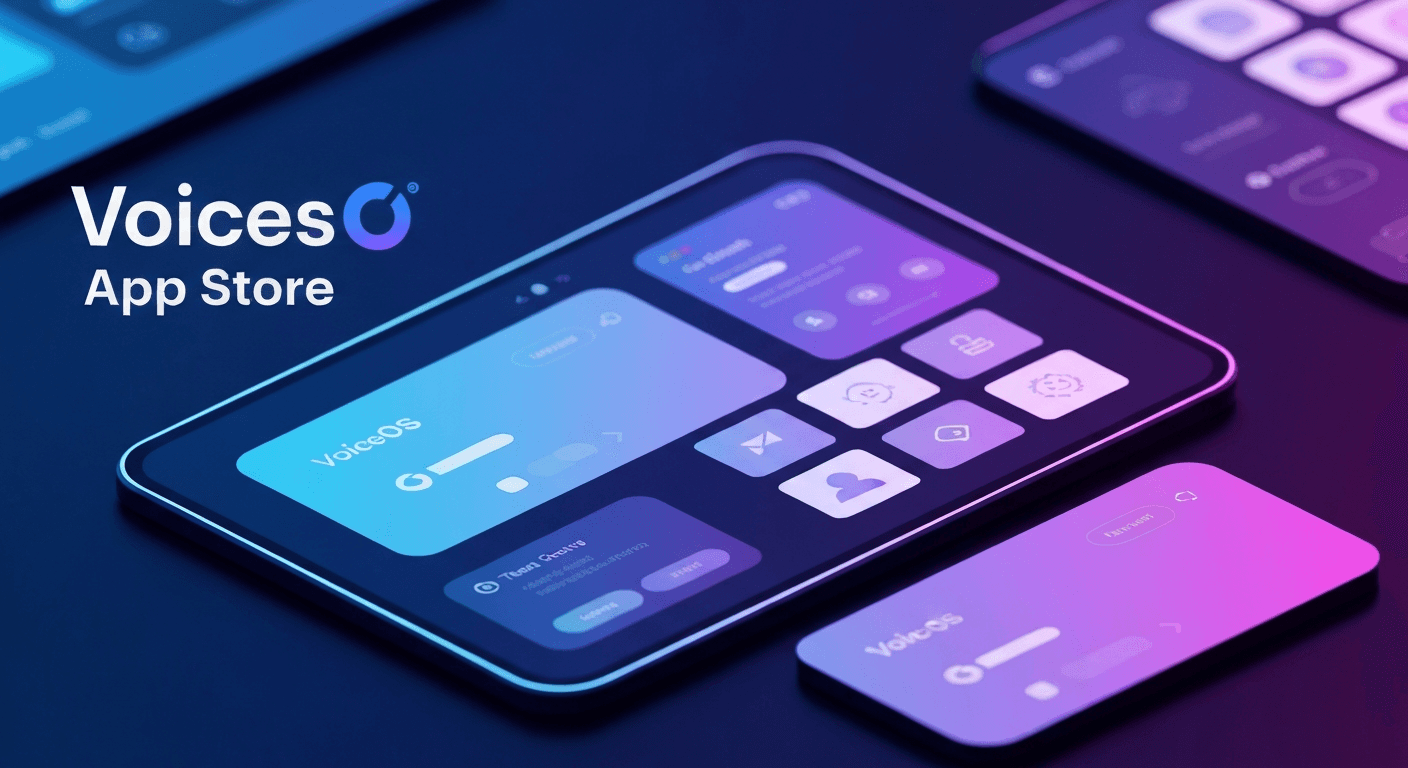
The new App Store functionality leverages this underlying AI. Instead of coding, you simply describe the app you want to create using natural language. VoiceOS's AI then generates that voice-native app for you. Once created, these custom apps can be tried out immediately by voice and even shared with others via a simple link, allowing for rapid deployment of personalized productivity tools.
Key Features – Real Freelancer Use Cases
Having spent some time with VoiceOS, I can pinpoint several features that are incredibly useful for freelancers like myself:
1. System-Wide Voice Commands
This is a fundamental aspect that makes VoiceOS so powerful. Unlike some voice tools limited to specific applications, VoiceOS works across your entire Mac or Windows system.
- Freelancer Use Case: Imagine you're deep in a design project, hands busy with your graphics tablet. You can simply say, "Open my client folder in Finder," or "Launch Adobe Photoshop," without breaking your creative flow. Or, if you're a developer, you can dictate comments in VS Code or write commit messages in a terminal app.
2. Agent Mode for Cross-App Automation
The ability to chain multiple actions across different applications with one voice command is a massive time-saver.
- Freelancer Use Case: After a client call, I can say, "Send a follow-up email to John about the project proposal, then add a task to my Notion board to review his feedback by Friday." VoiceOS handles the email draft and creates the Notion task, saving me several clicks and context switches. It integrates with popular tools like Gmail, Slack, Google Calendar, Notion, and more.
3. Intelligent Dictation Mode
This isn't just about converting speech to text; it's about understanding intent. VoiceOS aims to capture the meaning behind your words, complete with proper punctuation, grammar, and even appropriate tone.
- Freelancer Use Case: When I'm brainstorming ideas for a blog post or drafting a quick client brief, I can speak naturally without worrying about every comma or capitalization. VoiceOS cleans it up, making the initial draft much more polished than raw transcription. This is especially useful for those of us who think faster than we type.
4. User-Created Voice Apps (VoiceOS App Store)
This is the newest and most exciting addition. The App Store allows you to describe custom voice apps you need, and VoiceOS generates them.
- Freelancer Use Case: I needed a simple way to track my daily billable hours without opening a spreadsheet. I described, "Create an app to help me track my billable hours for each client." VoiceOS generated a basic voice app. Now, I just say, "Log 2 hours for Project X," and it records it. I can even share this custom tracker with team members. This level of personalization is incredible.
5. Privacy by Design
In an age where data privacy is paramount, VoiceOS emphasizes that your audio is never stored on their servers unless you explicitly permit it. It largely operates on your local device, giving you control over your data.
- Freelancer Use Case: Working with sensitive client information, this commitment to privacy is a huge relief. I don't have to worry about confidential discussions being stored or used to train AI models without my consent.
6. Confirmation Step Before Execution
For complex commands, VoiceOS includes a quick confirmation step before it takes action. This prevents accidental commands and keeps you in control.
- Freelancer Use Case: If I tell VoiceOS to "Send this email to all clients," it will prompt me for confirmation, ensuring I don't send a half-finished draft to the wrong people. It's a small but vital safety net.
Pricing – What It Costs to Go Voice-First
VoiceOS offers a straightforward pricing model that makes it accessible for various users:
| Plan | Cost | Key Features |
|---|---|---|
| Free | $0 | 100 uses per week, Dictation Mode, Ask Mode, custom vocabulary, works system-wide across all apps. |
| Pro | $12/month (billed annually) | Unlimited usage, all Free plan features, team collaboration features, priority support. |
| Enterprise | Custom pricing | Designed for larger organizations, includes zero data retention, SOC 2 Type II compliance, and tailored features. |
The free tier is quite generous, offering 100 voice actions per week. This is more than enough to test the waters and see if the voice-first workflow fits your style. For most active freelancers and small businesses, the Pro plan at $12/month (when billed annually) offers excellent value for unlimited usage and additional team features.
What Makes VoiceOS Unique Compared to Similar Tools?
In a market with various dictation and AI assistant tools, VoiceOS carves out a unique niche. Here’s what makes it stand out:
- Beyond Dictation to "Voice as a Control Surface": Many tools offer speech-to-text. VoiceOS goes further by interpreting intent and executing actions across multiple applications. It’s not just typing with your voice; it's controlling your computer with your voice.
- System-Wide and App-Agnostic: Unlike AI coding assistants with voice modes (like Claude Code or OpenAI Codex) that are confined to specific environments, VoiceOS operates system-wide, meaning it works with any application on your Mac or Windows. This universal compatibility is a huge advantage.
- User-Driven App Creation: The VoiceOS App Store is a major differentiator. The ability for users to describe and instantly create their own voice-native apps, then share them, is a powerful concept that democratizes app development and caters to highly specific, personal workflows. Most other tools offer predefined integrations; VoiceOS lets you build your own.
- Context-Aware Formatting and Tone: The intelligence to adapt the tone and format of your dictated text based on the target application is a subtle yet significant feature that improves output quality and reduces editing.
- Low Latency: With a claimed latency of 350ms, VoiceOS feels responsive and natural, making voice interaction less frustrating.
Who Should Try This?
VoiceOS is a fantastic tool for specific types of freelancers and small businesses:
- Founders & Creators: If you're constantly innovating but bogged down by administrative tasks, VoiceOS can cut down on overhead, letting you focus on core work.
- Power Users & Professionals: Anyone who lives across multiple SaaS tools daily—sales professionals, customer success managers, executive assistants, or project managers—will benefit immensely from automating repetitive tasks and reducing app-hopping.
- Freelancers with Repetitive Workflows: If you frequently send similar emails, schedule meetings, update CRMs, or manage tasks across different platforms, VoiceOS can accelerate these daily operations.
- Accessibility Advocates: For users with mobility challenges, VoiceOS offers a truly hands-free way to control their computer and stay productive.
- Developers Seeking System-Wide Voice Input: While some coding tools have voice modes, VoiceOS offers a universal layer for dictating comments, writing documentation, or communicating with teammates across any development environment.
Who Should Skip This?
While powerful, VoiceOS isn't for everyone:
- Pure Transcription Needs: If your primary need is just basic, highly accurate transcription for long-form writing (like journalists, lawyers, or academic writers), simpler, potentially offline-first dictation tools might offer more value for money or higher accuracy in very specific contexts.
- Strict Data Residency Requirements: Although VoiceOS emphasizes privacy, its cloud-based architecture (for the AI processing) might be a hard limitation for organizations with extremely stringent data governance policies or restricted network environments.
- Hyper-Realistic Voice Cloning: If your work heavily relies on generating incredibly realistic voice clones for client-facing content, specialized tools like ElevenLabs might still offer superior fidelity in that specific niche.
- Solo Creators with Very Low Volume: If you only occasionally use voice commands or have very light digital interactions, the free tier might suffice, but the Pro plan might feel like overkill if you don't fully leverage its unlimited usage.
- Mobile-First Workflows: The core VoiceOS product is focused on Mac and Windows desktop environments. If your primary work device is a smartphone or tablet, this particular VoiceOS (distinct from the "AI Voice Lock App - VoiceOS" on iOS) won't be your ideal solution.
Final Verdict
VoiceOS, especially with the addition of its App Store, represents a significant step forward in human-computer interaction. It’s more than just a convenience; it’s a genuine productivity multiplier that can free up mental bandwidth and reduce the friction of digital work. The ability to create custom voice apps by simply describing them is a visionary feature that puts true personalization in the hands of the user.
For freelancers and professionals who spend a lot of time "app-hopping" and performing repetitive tasks across various digital tools, VoiceOS offers a compelling solution to work faster and more efficiently. The commitment to privacy and the generous free tier make it an easy tool to recommend trying out. While its cloud-based processing might be a consideration for ultra-sensitive data, its overall utility, innovation, and system-wide approach are highly impressive.
Overall Rating: 9/10
Frequently Asked Questions
What operating systems does VoiceOS support?
VoiceOS is designed to work as a system-wide voice operating system for both Mac and Windows computers.
Can I create my own custom voice apps with VoiceOS?
Yes, with the VoiceOS App Store feature, you can describe the app you want to create using natural language, and VoiceOS's AI will generate a custom voice-native app for you. These can then be shared via a link.
Is VoiceOS primarily a dictation tool, or does it do more?
VoiceOS goes far beyond basic dictation. While it offers an intelligent Dictation Mode, its key strength lies in its "Agent Mode," which allows you to execute complex, multi-step actions across various integrated applications using natural voice commands, effectively controlling your computer hands-free.
How much does VoiceOS cost?
VoiceOS offers a free plan with 100 uses per week. The Pro plan, which provides unlimited usage and team features, costs $12 per month when billed annually. An Enterprise plan is also available with custom pricing for larger organizations.