Key Takeaways
- sktime is an open-source Python library that offers a unified, scikit-learn compatible framework for various time series machine learning tasks like forecasting, classification, and clustering.
- It simplifies complex time series workflows by providing consistent APIs for data handling, model building, transformations, and evaluation.
- Developers can leverage sktime to build robust time series models with ease, integrating seamlessly with existing Python data science tools.
- The library is free to use, community-driven, and actively developed, making it a powerful addition to any data scientist's toolkit.
Time series data is everywhere, from stock prices and sensor readings to website traffic and weather patterns. Analyzing and predicting these sequential datasets is a specialized field within machine learning, often requiring different approaches than standard tabular data. While Python has many powerful libraries, working with time series models can sometimes feel fragmented, requiring users to jump between different tools for different tasks.
This is where sktime comes in. It's an open-source Python library designed to bring a unified, scikit-learn-like experience to time series machine learning. If you're a software developer or data scientist looking to build robust time series models without getting lost in a maze of inconsistent APIs, sktime is a tool you'll want to master.
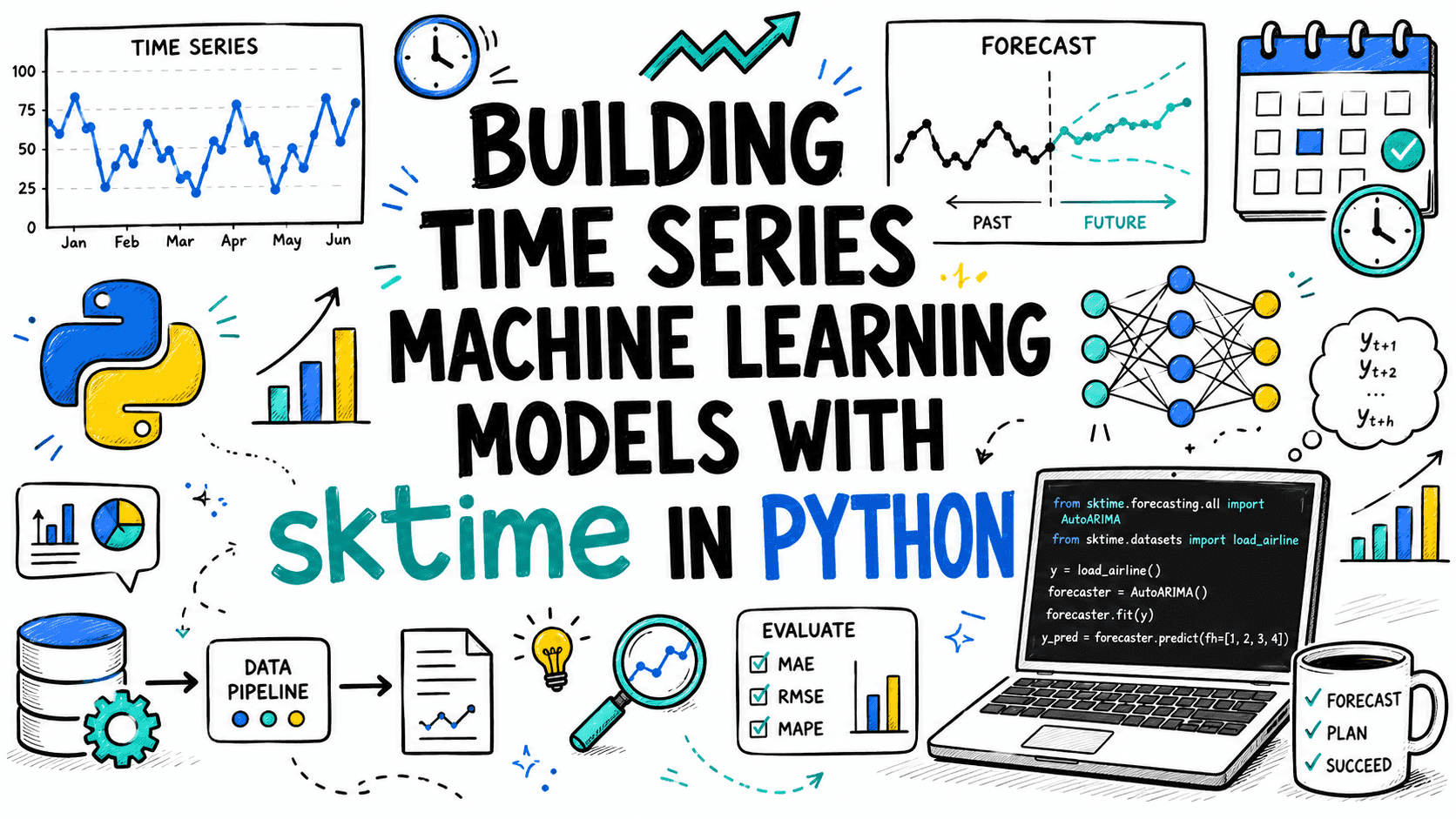
In this tutorial, we'll walk through building time-series machine learning models using sktime. We'll cover its core concepts, data structures, and a practical forecasting workflow, complete with code examples.
What is sktime and Why Does it Matter?
At its core, sktime is a Python library that provides a unified interface for various time series learning tasks. Think of it as the scikit-learn for time series. Just like scikit-learn standardized machine learning for tabular data, sktime aims to do the same for time series.
The library was started in April 2019 as a collaborative project by Franz Király, Markus Löning, Anthony Bagnall, and Jason Lines, and has since grown into a vibrant, community-driven project.
The Problem sktime Solves
Traditionally, working with time series data in Python often means juggling multiple libraries: pandas for data manipulation, statsmodels for classical statistical models, Prophet for forecasting, and custom implementations for time series classification or clustering. This can lead to:
- Inconsistent APIs: Different libraries have different ways of handling data, fitting models, and making predictions, increasing the learning curve and potential for errors.
- Complex Workflows: Building composite models (e.g., pipelines with transformations and forecasting models) can be cumbersome.
- Limited Interoperability: It's not always easy to combine algorithms from different libraries effectively.
sktime addresses these challenges by offering a consistent, `scikit-learn`-compatible API across different time series tasks. This means you can use similar methods (like .fit() and .predict()) for forecasting, classification, regression, and even transformations, streamlining your workflow significantly.
Key Features of sktime
sktime is packed with features designed to make time series ML easier and more powerful:
- Unified API: A single, consistent interface for various time series ML tasks, including forecasting, time series classification, regression, and clustering. It also has experimental support for anomaly/changepoint detection and annotation.
- Composite Model Building: Easily create complex models using pipelines, ensembles, and reduction techniques. This allows you to combine transformers with forecasters or classifiers, just like in scikit-learn.
- Extensive Algorithm Collection: It includes a wide range of algorithms, from traditional statistical methods (like ARIMA) to more advanced machine learning and deep learning approaches (often through integration with other libraries).
- Time Series Transformations: Offers a rich set of transformers for preprocessing tasks like scaling, differencing, detrending, feature extraction (e.g., date-time, holiday, Fourier features), and more.
- Interoperability: Integrates smoothly with other popular Python libraries such as
scikit-learn,pandas,NumPy,statsmodels, andProphet, allowing you to leverage their strengths within the sktime framework. - Robust Evaluation Tools: Provides tools for proper time series cross-validation and model evaluation, respecting the temporal order of your data.
Installation
Before we dive into coding, let's get sktime installed. It's an open-source library, free to use, and supports Python versions 3.10, 3.11, 3.12, and 3.13 (with 3.14 support in recent releases). You can install it using either pip or conda.
Using pip
The simplest way to install sktime is via pip:
pip install sktimeTo get specific modules or soft dependencies (like pmdarima for AutoARIMA), you can install them with extras:
pip install sktime[forecasting]
pip install sktime[classification]
# Or for all common dependencies
pip install sktime[all_extras]
Using Conda
If you prefer `conda`, you can install sktime from the `conda-forge` channel:
conda install -c conda-forge sktimeCore Data Structures in sktime
sktime is built to work seamlessly with pandas DataFrames and Series, which are standard for time series data in Python. It supports univariate, multivariate, and panel time series data.
- Univariate Time Series: A single variable tracked over time. Typically represented as a
pandas.Serieswith aDateTimeIndex. - Multivariate Time Series: Multiple variables tracked over time for the same instance. Usually represented as a
pandas.DataFramewith aDateTimeIndexand multiple columns. - Panel (Hierarchical) Time Series: Multiple time series instances, each potentially univariate or multivariate. This is represented as a
pandas.DataFramewith aMultiIndex(often with an instance ID and a DateTimeIndex).
Let's look at an example of how you might prepare your data for sktime.
import pandas as pd
import numpy as np

# 1. Univariate Time Series (pandas Series)
print("Univariate Time Series:")
y_uni = pd.Series(np.random.rand(100),
                  index=pd.date_range(start="2020-01-01", periods=100, freq="D"))
print(y_uni.head())
print("\n")

# 2. Multivariate Time Series (pandas DataFrame)
print("Multivariate Time Series:")
data_multi = {
    'feature_a': np.random.rand(100),
    'feature_b': np.random.rand(100)
}
y_multi = pd.DataFrame(data_multi,
                       index=pd.date_range(start="2020-01-01", periods=100, freq="D"))
print(y_multi.head())
print("\n")

# 3. Panel Time Series (pandas DataFrame with MultiIndex)
print("Panel Time Series:")
n_series = 3
n_timepoints = 50
index = pd.MultiIndex.from_product([
    [f"series_{i}" for i in range(n_series)],
    pd.date_range(start="2020-01-01", periods=n_timepoints, freq="D")
], names=["instance", "time"])

data_panel = np.random.rand(n_series  n_timepoints)
y_panel = pd.Series(data_panel, index=index)
print(y_panel.head())
print("\n")

# For forecasting, sktime often expects exogenous variables (X) as a DataFrame
# aligned with the target variable (y).
print("Exogenous Features (X):")
X = pd.DataFrame(np.random.rand(100, 2),
                 index=pd.date_range(start="2020-01-01", periods=100, freq="D"),
                 columns=['exog_1', 'exog_2'])
print(X.head())
Building a Time Series Forecasting Model: A Step-by-Step Tutorial
Let's build a practical forecasting model using sktime. We'll follow a common workflow: data loading, splitting, model selection, fitting, predicting, and evaluating.
Step 1: Import Necessary Libraries
We'll need pandas for data handling, and several components from sktime.
import pandas as pd
from sktime.forecasting.model_selection import temporal_train_test_split
from sktime.forecasting.arima import ARIMA
from sktime.forecasting.naive import NaiveForecaster
from sktime.forecasting.base import ForecastingHorizon
from sktime.performance_metrics.forecasting import mean_absolute_percentage_error, mean_squared_error
import matplotlib.pyplot as plt
import numpy as np
Step 2: Load and Prepare Data
For this example, let's create a synthetic dataset with some seasonality and trend.
# Create a synthetic time series dataset
np.random.seed(42)
n_points = 120
index = pd.date_range(start="2020-01-01", periods=n_points, freq="MS") # Monthly data
y = pd.Series(
    100 + np.sin(np.linspace(0, 3  np.pi, n_points))

• 20 +
    np.linspace(0, 50, n_points) + np.random.normal(0, 5, n_points),
    index=index
)

print("Original Time Series Head:")
print(y.head())
print("\nOriginal Time Series Tail:")
print(y.tail())

# Plot the synthetic data
plt.figure(figsize=(12, 6))
plt.plot(y)
plt.title("Synthetic Time Series Data")
plt.xlabel("Date")
plt.ylabel("Value")
plt.grid(True)
plt.show()
Step 3: Split Data into Training and Test Sets
For time series, you can't just randomly split data. You need to maintain the temporal order. sktime provides temporal_train_test_split for this purpose.
y_train, y_test = temporal_train_test_split(y, test_size=0.2)

print(f"Training data length: {len(y_train)}")
print(f"Test data length: {len(y_test)}")
print(f"Training data start: {y_train.index.min()}, end: {y_train.index.max()}")
print(f"Test data start: {y_test.index.min()}, end: {y_test.index.max()}")
The test_size parameter determines the proportion of the data to use for the test set. Here, 0.2 means the last 20% of the data will be used for testing.
Step 4: Define the Forecasting Horizon
The forecasting horizon (fh) specifies how many steps ahead you want to predict. This is a crucial concept in sktime forecasting. You can define it relative to the end of the training data.
# Define the forecasting horizon
# We want to predict for all time points in y_test
fh = ForecastingHorizon(y_test.index, is_relative=False)

# Alternatively, if you want to predict the next 10 steps relative to the training data end:
# fh_relative = ForecastingHorizon(np.arange(1, 11))
# print(f"Relative forecasting horizon: {fh_relative}")
Step 5: Choose and Configure a Forecaster
sktime offers a wide range of forecasters. Let's start with a simple NaiveForecaster (predicts the last observed value) as a baseline, and then use ARIMA.
Naive Forecaster
# Naive Forecaster (predicts the last value observed)
forecaster_naive = NaiveForecaster(strategy="last")

# Fit the forecaster to the training data
forecaster_naive.fit(y_train)

# Make predictions
y_pred_naive = forecaster_naive.predict(fh)

print("Naive Forecaster Predictions Head:")
print(y_pred_naive.head())
ARIMA Forecaster
For more sophisticated modeling, we can use ARIMA. sktime's ARIMA implementation is a wrapper around statsmodels, providing a consistent interface. You might need to install pmdarima if you want auto_arima functionality (pip install pmdarima).
# ARIMA Forecaster
# For simplicity, we'll manually set some ARIMA orders.
# In a real scenario, you'd tune these or use auto_arima.
forecaster_arima = ARIMA(
    order=(1, 1, 0),
    seasonal_order=(0, 0, 0, 0), # No seasonality for this simple example
    suppress_warnings=True
)

# Fit the forecaster to the training data
forecaster_arima.fit(y_train)

# Make predictions
y_pred_arima = forecaster_arima.predict(fh)

print("\nARIMA Forecaster Predictions Head:")
print(y_pred_arima.head())
Step 6: Evaluate the Models
sktime provides various performance metrics for forecasting. We'll use Mean Absolute Percentage Error (MAPE) and Mean Squared Error (MSE).
# Evaluate Naive Forecaster
mape_naive = mean_absolute_percentage_error(y_test, y_pred_naive, symmetric=True)
mse_naive = mean_squared_error(y_test, y_pred_naive)
print(f"Naive Forecaster - Symmetric MAPE: {mape_naive:.2f}%")
print(f"Naive Forecaster - MSE: {mse_naive:.2f}")

# Evaluate ARIMA Forecaster
mape_arima = mean_absolute_percentage_error(y_test, y_pred_arima, symmetric=True)
mse_arima = mean_squared_error(y_test, y_pred_arima)
print(f"ARIMA Forecaster - Symmetric MAPE: {mape_arima:.2f}%")
print(f"ARIMA Forecaster - MSE: {mse_arima:.2f}")
Step 7: Visualize the Results
Visualizing the predictions against the actual test data helps understand model performance.
plt.figure(figsize=(14, 7))
plt.plot(y_train.index, y_train, label="Training Data", color="blue")
plt.plot(y_test.index, y_test, label="Actual Test Data", color="green")
plt.plot(y_pred_naive.index, y_pred_naive, label="Naive Forecast", color="red", linestyle="--")
plt.plot(y_pred_arima.index, y_pred_arima, label="ARIMA Forecast", color="purple", linestyle="-.")
plt.title("Time Series Forecasting with sktime")
plt.xlabel("Date")
plt.ylabel("Value")
plt.legend()
plt.grid(True)
plt.show()
Working with Exogenous Variables (X)
Many forecasting models can benefit from additional, external (exogenous) features. sktime supports this by allowing you to pass an X DataFrame to the fit and predict methods. This X should have the same time index as y for training, and for prediction, it must contain future values for the forecasting horizon.
# Generate synthetic exogenous variables
X_full = pd.DataFrame(
    np.random.rand(n_points, 2),
    index=index,
    columns=['exog_feature_1', 'exog_feature_2']
)

X_train, X_test = temporal_train_test_split(X_full, test_size=0.2)

# Using an ARIMA model that can handle exogenous variables
# Note: Not all forecasters support X. Check documentation for specific models.
forecaster_arima_exog = ARIMA(
    order=(1, 1, 0),
    seasonal_order=(0, 0, 0, 0),
    suppress_warnings=True
)

# Fit with exogenous variables
forecaster_arima_exog.fit(y=y_train, X=X_train)

# Predict requires future exogenous variables
y_pred_arima_exog = forecaster_arima_exog.predict(fh=fh, X=X_test)

mape_arima_exog = mean_absolute_percentage_error(y_test, y_pred_arima_exog, symmetric=True)
print(f"\nARIMA with Exog - Symmetric MAPE: {mape_arima_exog:.2f}%")
Beyond Forecasting: Time Series Classification
While this tutorial focuses on forecasting, it's worth noting that sktime also excels at time series classification. This task involves predicting a categorical label for an entire time series. For example, classifying sensor readings as "normal" or "faulty."
sktime provides dedicated algorithms and an API consistent with scikit-learn for classification:
from sktime.datasets import load_basic_motions
from sktime.transformations.panel.tsfresh import TSFreshFeatureExtractor
from sklearn.ensemble import RandomForestClassifier
from sklearn.pipeline import make_pipeline
from sklearn.model_selection import train_test_split
from sklearn.metrics import accuracy_score

# Load a sample time series classification dataset
X_cls, y_cls = load_basic_motions(return_X_y=True)

# Split data (standard train_test_split is fine for classification)
X_train_cls, X_test_cls, y_train_cls, y_test_cls = train_test_split(
    X_cls, y_cls, test_size=0.3, random_state=42
)

# Build a pipeline: Feature extraction + Classifier
# TSFreshFeatureExtractor extracts many features from time series
# RandomForestClassifier then classifies based on these features
pipeline = make_pipeline(
    TSFreshFeatureExtractor(default_fc_parameters="minimal"), # Use minimal features for speed
    RandomForestClassifier(n_estimators=10, random_state=42)
)

# Fit the pipeline
pipeline.fit(X_train_cls, y_train_cls)

# Make predictions
y_pred_cls = pipeline.predict(X_test_cls)

# Evaluate
accuracy = accuracy_score(y_test_cls, y_pred_cls)
print(f"\nTime Series Classification Accuracy: {accuracy:.2f}")
This example demonstrates how sktime's transformers (like TSFreshFeatureExtractor) can be seamlessly integrated into `scikit-learn` pipelines, highlighting its interoperability.
Advanced sktime Features
This tutorial only scratches the surface. sktime offers many advanced capabilities:
- Pipelining and Composite Estimators: Build complex workflows by chaining transformers and forecasters. For example, detrending data before feeding it into an ARIMA model.
- Reduction: Use standard
scikit-learnregressors or classifiers for time series tasks by transforming the time series problem into a tabular one. For instance, using aRandomForestRegressorfor forecasting. - Hyperparameter Tuning: Integrate with libraries like
scikit-learn'sGridSearchCVorRandomizedSearchCVfor optimizing model parameters, ensuring proper time series cross-validation. - Ensembling: Combine multiple forecasters to improve prediction accuracy.
- Hierarchical Forecasting: Special tools for forecasting at different aggregation levels in hierarchical time series.
You can find comprehensive examples and detailed guides on the sktime documentation tutorials page and their GitHub repository.
Conclusion
sktime provides a powerful, consistent, and flexible framework for machine learning with time series in Python. By adopting `scikit-learn`'s familiar API, it significantly lowers the barrier to entry for developers and data scientists who want to build sophisticated time series models. Whether you're tackling forecasting, classification, or other time series tasks, sktime's unified approach, rich set of algorithms, and strong interoperability make it an indispensable tool. Give it a try in your next time series project!
Frequently Asked Questions
What kind of time series tasks can sktime handle?
sktime can handle a wide range of time series machine learning tasks, including forecasting (predicting future values), time series classification (assigning a label to an entire series), time series regression (predicting a continuous value from a series), and clustering (grouping similar series). It also has experimental support for anomaly/changepoint detection and annotation.
Is sktime compatible with scikit-learn?
Yes, sktime is designed with scikit-learn compatibility in mind. It adopts similar API conventions (like .fit(), .predict(), .transform()) and allows for seamless integration with scikit-learn pipelines and tools, enabling you to combine sktime's time series estimators with scikit-learn's general-purpose utilities.
Do I need to pay to use sktime?
No, sktime is an open-source project released under a permissive license, making it completely free to use for both academic and commercial purposes. It is developed and maintained by a collaborative community.
What kind of data does sktime expect as input?
sktime primarily works with pandas Series and DataFrames for representing time series data. It supports univariate (single variable), multivariate (multiple variables for one instance), and panel (multiple instances, each potentially multivariate) time series data, typically indexed by a DateTimeIndex.