Key Takeaways
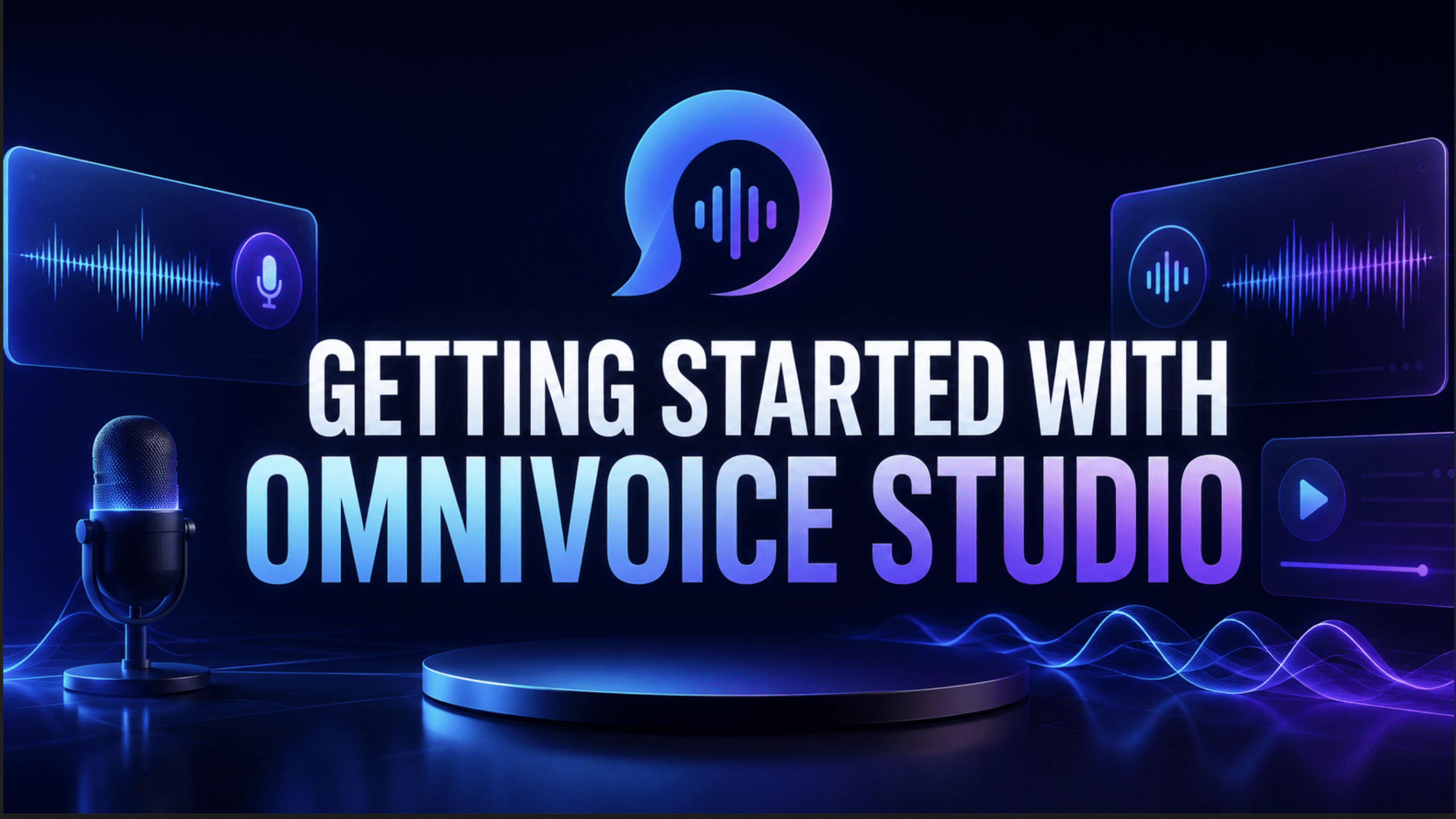
- OmniVoice Studio is a free, open-source desktop application offering advanced voice AI features like cloning, dubbing, and dictation, all running locally on your hardware.
- It supports an impressive 646 languages for text-to-speech and zero-shot voice cloning from just a 3-second audio clip.
- Prioritizing privacy, OmniVoice Studio ensures your audio and data never leave your machine, eliminating cloud-based processing and subscription fees for personal use.
- The tool is actively developed by Palash Deb and offers pre-built installers for macOS, Windows, and Linux, with an option to run from source or even on Google Colab.
In the rapidly evolving world of AI, cloud-based services often come with a trade-off: convenience for control. Many powerful AI tools require you to upload your data to remote servers, often incurring recurring subscription costs and raising questions about data privacy. Enter OmniVoice Studio, a game-changer that flips this script entirely. This desktop application brings professional-grade voice AI capabilities directly to your machine, operating on a "local-first" principle.
Imagine being able to clone any voice, dub videos, transcribe speech in real-time, or design new voices from scratch – all without an internet connection, API keys, or usage meters. OmniVoice Studio makes this a reality, offering a robust suite of tools that run entirely on your hardware. It's designed for anyone who values privacy, seeks extensive language support, and prefers a powerful, no-cost solution for personal projects.
What is OmniVoice Studio?
OmniVoice Studio is an open-source, cross-platform desktop application that provides a comprehensive toolkit for voice artificial intelligence. Described as an "open-source ElevenLabs alternative," it empowers users with features like voice cloning, video dubbing, real-time dictation, and voice design. Unlike many mainstream AI voice tools that rely on cloud infrastructure, OmniVoice Studio is built on the premise that all processing should occur locally. This means your sensitive audio, scripts, and generated files stay securely on your computer, never leaving your control.
The project is the brainchild of a single developer, Palash Deb, who leveraged AI agents and Claude Code in its creation. This impressive feat of development has resulted in a tool that is not only feature-rich but also committed to a privacy-centric approach, making it particularly appealing to freelancers, content creators, and AI practitioners who handle sensitive or proprietary information.
The "Local-First" Philosophy: Why It Matters
The core philosophy behind OmniVoice Studio is its "local-first" design. This isn't just a technical detail; it's a fundamental shift in how voice AI is accessed and used. Here's why this approach is so significant:
- Uncompromised Data Privacy: In an era where data breaches are common and cloud services often log user activity, keeping your data local is a major advantage. With OmniVoice Studio, your voice recordings, text inputs, and generated audio never get sent to external servers. This is crucial for professionals dealing with confidential projects, legal documents, or personal content.
- Cost-Effectiveness and Freedom from Subscriptions: Many cloud-based voice AI services operate on a subscription model, charging per character, per minute, or monthly fees that can quickly add up. OmniVoice Studio, for personal use, eliminates these costs entirely. There are no API keys, no usage counters, and no recurring bills. This makes advanced voice AI accessible to a much broader audience, from hobbyists to independent creators.
- Offline Functionality: Since everything runs on your hardware, you don't need an active internet connection to use OmniVoice Studio once the initial models are downloaded. This allows for seamless work in environments with limited or no internet access.
- Performance and Control: While cloud services offer powerful GPUs, local processing can often be optimized for your specific hardware. Furthermore, having the entire pipeline on your machine gives you greater control over the process and the ability to troubleshoot or customize as needed.
- Open Source Transparency: As an open-source project, OmniVoice Studio benefits from community contributions and scrutiny. This transparency allows users to understand how the tool works under the hood and builds trust.
How OmniVoice Studio Works: An Inside Look (High-Level)
OmniVoice Studio is a sophisticated application built on a modern tech stack. It's a Tauri desktop application, which is a Rust-based framework that bundles a React frontend for the user interface and a FastAPI backend for handling the logic and AI models. Persistent data, such as your voice profiles and project settings, are stored in a local SQLite database.
The magic of the AI pipeline itself is orchestrated by several powerful open-source components:
- WhisperX: This handles the heavy lifting of transcription, word-level speech recognition, and alignment, providing highly accurate text from audio. It supports 99 languages for transcription.
- Demucs (from Meta): Responsible for vocal isolation, Demucs intelligently separates speech from background music and other noise, ensuring cleaner audio for processing.
- OmniVoice (from k2-fsa): This is the heart of the text-to-speech (TTS) engine. It's a zero-shot diffusion model that enables voice cloning from short audio clips and supports an astonishing 600+ languages.
- Pyannote: Used for speaker diarization, Pyannote helps identify and separate individual speakers in multi-speaker audio files. Note that this feature might require a Hugging Face token and model license acceptance.
This combination of robust, open-source AI models, wrapped in a user-friendly desktop application, allows OmniVoice Studio to perform complex voice AI tasks entirely on your local machine.
Key Features for AI Practitioners and Creators
OmniVoice Studio offers a rich set of features designed to cater to various voice AI needs:
Voice Cloning
One of the standout features is its zero-shot voice cloning capability. You can clone a voice from an audio clip as short as 3 seconds. The system then replicates that voice across any of the 646 supported languages without requiring extensive training or fine-tuning. This is incredibly useful for content localization, creating consistent voiceovers, or generating speech in a specific persona.
Video Dubbing
The integrated video dubbing pipeline is a powerful tool for creators. You can input a YouTube URL or a local video file. OmniVoice Studio will then transcribe the audio using WhisperX, translate the transcript (if needed), synthesize new audio in the desired voice (which can be a cloned voice or a designed voice), and finally export the result as an MP4 file. The entire process runs locally, ensuring privacy and control over your video content.
Real-time Dictation
For those who frequently transcribe their thoughts or spoken content, the real-time dictation widget is a productivity booster. On macOS, it activates with a simple ⌘ + ⇧ + Space shortcut, appearing as a system-wide floating overlay. It transcribes your speech, automatically pastes it into your active application, and then disappears, streamlining your workflow.
Voice Design
Beyond cloning existing voices, OmniVoice Studio allows you to create entirely new voices from descriptive parameters. Without needing a microphone or reference audio, you can specify attributes like gender, age, accent, pitch, speed, emotion, and dialect. The AI then generates a voice matching your description, offering infinite possibilities for character voices, narration styles, or branding.
Audiobook Editor
For authors and audiobook producers, the integrated audiobook editor simplifies the creation process. You can import text, EPUB, or PDF files, and the tool helps with automatic chaptering, loudness normalization (loudnorm), and metadata management. The final output can be exported as an .m4b audiobook file.
Speaker Diarization
This feature is invaluable for analyzing multi-speaker audio, such as interviews or podcasts. Using Pyannote and WhisperX, OmniVoice Studio can identify and differentiate between individual speakers in an audio file, producing a transcript that clearly indicates who said what.
Multi-Engine Support & Customization
OmniVoice Studio ships with six different text-to-speech engines. While the default OmniVoice engine covers over 600 languages and handles cloning, other engines like KittenTTS and MOSS-TTS-Nano are optimized for CPU-only use and offer near real-time performance. For Apple Silicon users, MLX-Audio provides the fastest inference by directly utilizing the Apple Neural Engine. Advanced users can even subclass TTSBackend to add custom TTS engines.
MCP Server Integration
The application includes a built-in Model Context Protocol (MCP) server. This feature allows other MCP-compatible clients, such as Claude Desktop or Cursor, to directly access OmniVoice Studio's TTS and dubbing capabilities. This enables seamless integration into existing AI coding sessions or automated voice generation pipelines without needing to open the desktop app itself.
Performance and System Requirements
OmniVoice Studio is designed to be accessible. It offers pre-built installers for major operating systems: macOS, Windows, and Linux. While a dedicated GPU can significantly speed up text-to-speech tasks, it is not a strict requirement; the entire AI pipeline can run on a CPU, albeit at a slower pace. For GPUs with 8 GB of VRAM or less, OmniVoice Studio intelligently offloads TTS processing to the CPU during transcription to manage resources effectively. AMD GPU users on Linux can also opt-in for ROCm acceleration.
For users without powerful local hardware, there's even an official Google Colab notebook that allows you to boot the full application, including the web UI, on a free Colab T4 GPU instance. This provides an excellent entry point for experimentation without significant hardware investment.
Pricing and Licensing: Truly Free for Personal Use
One of the most compelling aspects of OmniVoice Studio is its pricing model for personal use: it's free. The project explicitly states "all of it local, all of it free for personal use, no API key required, no usage counter." The software is licensed under FSL-1.1-ALv2, which permits personal, educational, and research use without charge. This starkly contrasts with many cloud-based alternatives that charge monthly fees ranging from $5 to $330. While the underlying OmniVoice model (k2-fsa) has commercial licensing options for its cloud service, the OmniVoice Studio desktop application remains free for personal use, embodying a true open-source spirit.
Conclusion
OmniVoice Studio represents a significant step forward for local-first AI tools. By bringing powerful voice cloning, dubbing, dictation, and voice design capabilities directly to your desktop, it addresses critical concerns around data privacy, cost, and accessibility. Its extensive language support, robust feature set, and open-source nature make it an indispensable tool for AI practitioners, content creators, and anyone looking to leverage advanced voice AI without relying on proprietary cloud services. While it's currently in active beta, its core functionalities are stable, and the project is seeing regular updates and community engagement.
Frequently Asked Questions
What is the main advantage of OmniVoice Studio compared to cloud-based voice AI tools?
The primary advantage of OmniVoice Studio is its "local-first" design, meaning all processing happens on your hardware. This ensures your data remains private, eliminates subscription costs for personal use, and allows for offline functionality, unlike most cloud-based alternatives.
How many languages does OmniVoice Studio support for voice cloning and text-to-speech?
OmniVoice Studio supports an impressive 646 languages for text-to-speech and zero-shot voice cloning. For transcription via WhisperX, it supports 99 languages.
Do I need a powerful GPU to run OmniVoice Studio?
While a dedicated GPU can accelerate performance, it is not strictly required. OmniVoice Studio can run its entire AI pipeline on a CPU, though it will be slower. The application is also designed to intelligently manage GPU resources, even offloading tasks to the CPU if your GPU has limited VRAM.
Is OmniVoice Studio truly free for commercial use?
OmniVoice Studio is free for personal, educational, and research use under its FSL-1.1-ALv2 license. While the underlying OmniVoice model from k2-fsa is Apache-2.0 and has commercial options via its cloud service, the desktop application itself explicitly states "free for personal use, no API key required, no usage counter" for the Studio. For commercial applications or specific licensing inquiries beyond personal use of the desktop app, it's always best to consult the official license and developer contact for clarity.