Key Takeaways
- MDhtml is a new Windows application designed for editing, previewing, and publishing Markdown and HTML content.
- It features AI-assisted editing, making it especially useful for refining content generated by AI models.
- The tool helps streamline workflows for freelancers and content creators who work with AI-generated text and code.
- MDhtml is currently available for free download from the Microsoft Store.
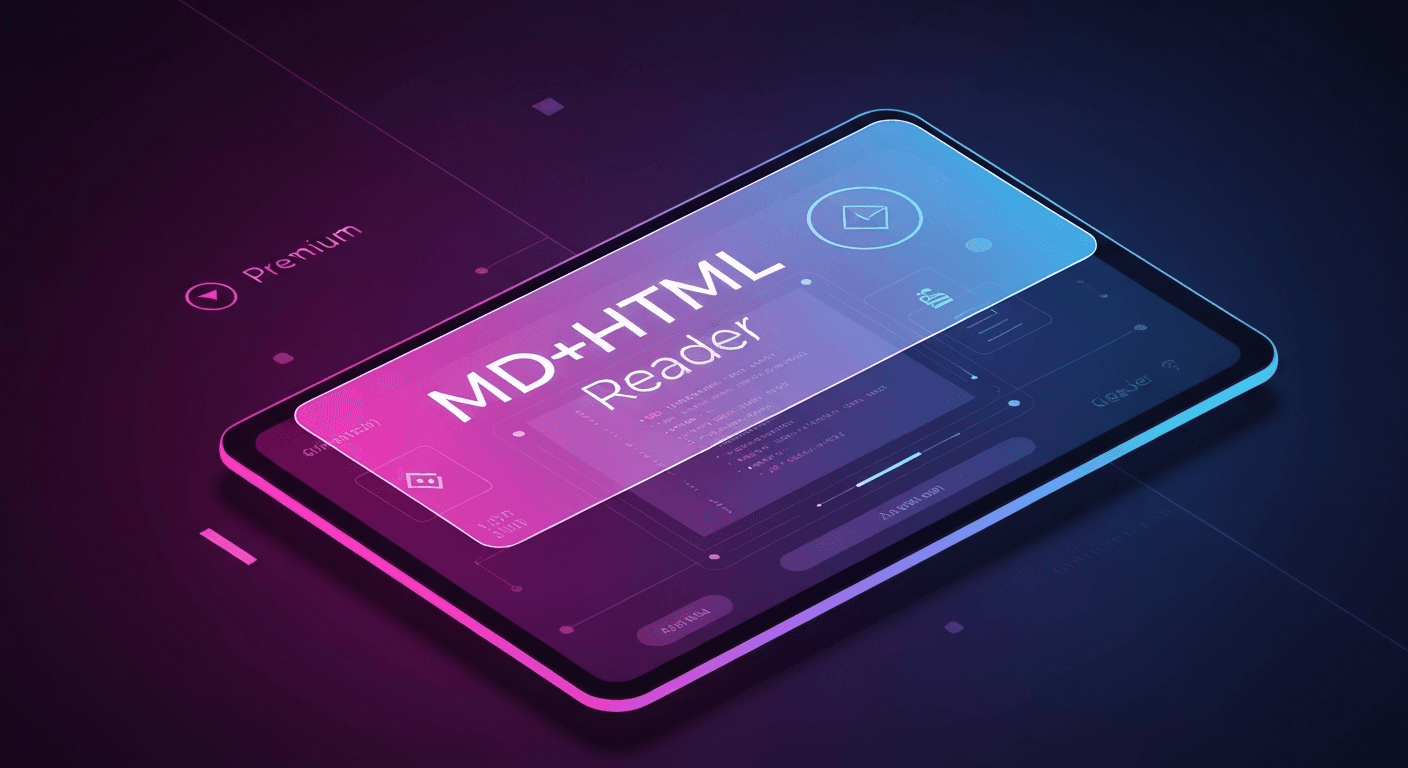
As a freelancer constantly juggling various projects, from blog posts to technical documentation, I'm always on the lookout for tools that can streamline my workflow, especially with the increasing integration of AI into content creation. The recent buzz around "MD+HTML Reader" on Product Hunt caught my attention, promising a focused workspace to review AI-generated Markdown and HTML. After a bit of digging, it appears the tool aligns closely with a newly launched Windows application called MDhtml, available for free on the Microsoft Store.
Let's dive into what this tool offers and whether it lives up to the promise for us freelancers working at the intersection of AI and content.
What is MDhtml and What Core Problem Does It Solve?
MDhtml is a dedicated Markdown editor and HTML publishing tool for Windows. Its core purpose is to help users write, preview, organize, and export Markdown documents, with robust support for HTML publishing. What makes it particularly interesting for our current AI-driven landscape is its inclusion of "AI-assisted editing."
The problem MDhtml aims to solve is multifaceted. First, managing Markdown and HTML content, especially when collaborating or publishing, can be clunky across different platforms. You often need a separate editor, a previewer, and then a way to convert or publish. Second, and more critically for AI users, large language models (LLMs) often generate Markdown that can be "quirky, messy, and non-standard." Think inconsistent list formatting, odd spacing, or unexpected characters that break standard Markdown parsers. While MDhtml doesn't explicitly state it fixes these specific AI quirks, its "AI-assisted editing" feature suggests it's built with the nuances of AI output in mind, aiming to provide a smoother path from AI draft to polished content.
For freelancers like me, this means less time spent manually cleaning up AI-generated text and more time focusing on content quality and strategic tasks. It centralizes the editing and previewing process within a native Windows environment, reducing the need to jump between multiple browser tabs or disparate applications.
How Does It Work?
MDhtml functions as a standalone application on Windows. Once installed from the Microsoft Store, it provides an interface where you can create new Markdown files or open existing ones. The workflow typically involves:
- Content Creation/Import: You can either write your Markdown directly in the editor or paste content generated by an AI tool.
- Real-time Preview: As you type or paste, MDhtml renders the Markdown into a clean, readable HTML preview, likely in a split-screen or toggleable view. This live preview is essential for ensuring your content looks as intended before publishing.
- AI-Assisted Editing: This is where the AI integration comes in. While the specifics aren't detailed on the store page, it implies features that leverage AI to help refine, rephrase, correct, or enhance your Markdown or HTML. This could range from grammar checks and style suggestions to structural improvements or even re-formatting non-standard Markdown into a cleaner version.
- Organization: The tool also helps organize your Markdown documents, which is crucial for larger projects or managing multiple client files.
- Export and Publish: Once your content is ready, MDhtml supports exporting your Markdown to HTML, making it ready for web publishing, blogs, or other platforms.
The beauty of a focused workspace like this is that it keeps distractions to a minimum. You're not dealing with browser extensions that might conflict or online converters that require uploading sensitive data. Everything happens within the application, offering a more secure and integrated experience, particularly for Windows users.
Key Features for Freelancers
Based on the description, MDhtml offers several features that can be incredibly beneficial for freelancers:
- Markdown Editor: At its core, it's a robust editor for Markdown. For content writers, developers documenting projects, or anyone drafting web content, a good Markdown editor is indispensable. It supports standard Markdown syntax, allowing for easy formatting of headings, lists, links, images, and code blocks. This means I can quickly draft articles or documentation without worrying about complex HTML structures.
- HTML Publishing Tool: The ability to publish HTML directly from your Markdown files is a huge time-saver. Instead of using separate conversion tools or manual HTML coding, MDhtml streamlines the process, ensuring your Markdown translates accurately into web-ready HTML. This is perfect for bloggers or web content specialists who need to generate clean code for their websites.
- Real-time Preview: A live preview pane is a must-have. It allows you to see how your Markdown will look as rendered HTML instantly. This immediate feedback helps catch formatting errors, visualize layouts, and ensure the content appears exactly as intended, saving countless rounds of edits later. Many general Markdown viewers offer this, but it's crucial for a focused tool.
- AI-Assisted Editing: This is the standout feature for the "ai-tools" category. While specifics are to be discovered upon use, imagine AI helping to:
- Standardize AI Output: Automatically correct common formatting inconsistencies often seen in AI-generated Markdown (e.g., non-standard bullet points or code block issues).
- Improve Readability: Suggest rephrasing for clarity, conciseness, or a specific tone, especially useful for refining raw AI drafts.
- SEO Optimization: Provide suggestions for heading structures, keyword placement, or meta descriptions based on content analysis.
- Grammar and Style Checks: Beyond basic spellcheck, AI can offer advanced linguistic improvements.
- Document Organization: For freelancers managing multiple clients and projects, the ability to organize Markdown documents within the application is a significant plus. This could mean project-based folders, tagging, or easy navigation through a document tree.
- Export Capabilities: Beyond HTML, comprehensive export options (e.g., PDF or other document formats) would add immense value for delivering content in various client-preferred formats.
Pricing
According to its listing on the Microsoft Store, MDhtml is currently available for free download. This is fantastic news for freelancers and small businesses, as it lowers the barrier to entry significantly. The listing states "Free of charge," with no explicit mention of paid tiers, subscriptions, or in-app purchases at the time of its launch. This makes it a very attractive option for anyone looking for a robust Markdown and HTML solution with AI capabilities without an upfront investment.
| Tier | Cost | Key Benefits |
|---|---|---|
| Free | Free of charge | Markdown editing, HTML publishing, real-time preview, AI-assisted editing, document organization, export features. |
What Makes It Unique Compared to Similar Tools?
Many Markdown editors and HTML converters exist, both online and as desktop applications. What sets MDhtml apart, especially considering the "AI-generated" aspect of the original feed item, is its explicit focus on "AI-assisted editing" within a native Windows environment.
- AI-First Approach: While other tools might offer basic AI integrations, MDhtml seems to be designed with the specific challenges and opportunities of AI-generated content in mind. Tools like Markdownhtmlgen.com or the "Free Markdown to HTML Converter - AI Content Friendly" specifically address messy AI Markdown, but they are primarily online converters. MDhtml offers a full editing and publishing suite.
- Native Windows Application: Many powerful Markdown tools are web-based or cross-platform (like Electron apps). Being a native Windows application can offer better performance, deeper system integration, and a more consistent user experience for those heavily invested in the Windows ecosystem.
- Combined Workflow: Instead of using a separate AI writing assistant, then copying to a generic Markdown editor, then exporting to an HTML converter, MDhtml aims to integrate these steps into one seamless application. This "focused workspace" minimizes context switching and potential data loss.
- Free Access: The fact that it's free, especially for a tool with AI capabilities and publishing features, is a significant differentiator in a market often dominated by subscription models or one-time purchases for similar functionalities.
Who Should Try This?
MDhtml seems perfectly suited for a specific group of professionals:
- Freelance Content Writers/Bloggers: If you use AI tools (like ChatGPT, Gemini, Claude) to draft articles, blog posts, or web copy, and then need to refine and prepare them for publishing in Markdown or HTML, this tool is for you. It can help bridge the gap between raw AI output and polished, web-ready content.
- Technical Writers & Documentarians: For those creating documentation, READMEs, or knowledge base articles using Markdown, especially if AI assists in drafting, MDhtml offers a focused environment for editing, organizing, and ensuring consistent formatting.
- Web Developers (Windows-centric): Developers who prefer working in a Windows environment and frequently create static HTML pages or content from Markdown will appreciate the integrated editing and publishing features.
- Small Business Owners: If you're managing your own website content or creating marketing materials and leveraging AI for efficiency, MDhtml provides an accessible, free tool to manage your content pipeline.
- Students & Researchers: Anyone who needs to organize notes, draft papers, or prepare reports in Markdown and convert them to presentable HTML will find value, especially with AI-assisted corrections.
Who Should Skip This?
While MDhtml offers a lot, it might not be the best fit for everyone:
- Mac or Linux Users: As a native Windows application, it's not available on other operating systems. Mac users might look at tools like Typora or Bear, and Linux users might use command-line tools like `mcat` or `watch-markdown` or cross-platform editors.
- Users Needing a Full-Fledged IDE: Developers who need advanced coding features, version control integration, and extensive plugin ecosystems will likely stick to integrated development environments (IDEs) like VS Code with its own Markdown extensions.
- Those Requiring Cloud Collaboration: If your workflow heavily relies on real-time cloud collaboration (like Google Docs or Notion), a local desktop application might not integrate seamlessly with your existing tools.
- Users Seeking Advanced HTML/CSS Design Tools: While it publishes HTML, MDhtml is not a visual web design tool. It focuses on converting Markdown to clean HTML, not on intricate CSS styling or complex web layouts.
- Users Who Don't Engage with AI-Generated Content: If you strictly write all your content manually and have no need for AI assistance or refining AI output, some of its unique selling points might not apply to your workflow.
Final Verdict
MDhtml steps into the arena at a crucial time, offering a specialized solution for a growing problem: effectively managing and refining AI-generated Markdown and HTML content. Its launch as a free Windows application with AI-assisted editing is a compelling proposition. For freelancers and small businesses that rely on AI for content generation and operate primarily within the Windows ecosystem, this tool has the potential to become a daily driver.
The promise of a "focused workspace" for reviewing AI output, coupled with practical editing and publishing features, makes it a valuable addition to the AI toolkit. While the specifics of its AI-assisted editing features will become clearer with hands-on use, the intent is precisely what many need. Given its free price point, there's little reason not to give it a try if you fit the target audience.
Rating: 8.5/10 (Highly recommended for Windows users working with AI-generated Markdown/HTML, especially given it's free at launch).
Frequently Asked Questions
What is MDhtml?
MDhtml is a new Windows application that serves as a Markdown editor and HTML publishing tool. It helps users write, preview, organize, and export Markdown documents, featuring integrated AI-assisted editing capabilities.
Is MDhtml free to use?
Yes, according to its listing on the Microsoft Store, MDhtml is available for free download and use.
What kind of AI assistance does MDhtml offer?
MDhtml includes "AI-assisted editing," which is designed to help users refine and enhance their Markdown and HTML content. While specific features will be discovered through use, this typically includes capabilities like improving readability, standardizing formatting (especially from AI-generated text), and potentially offering grammar or style suggestions.
Can MDhtml be used on Mac or Linux?
No, MDhtml is a native Windows application and is currently only available for download and installation on Windows devices via the Microsoft Store.