Key Takeaways
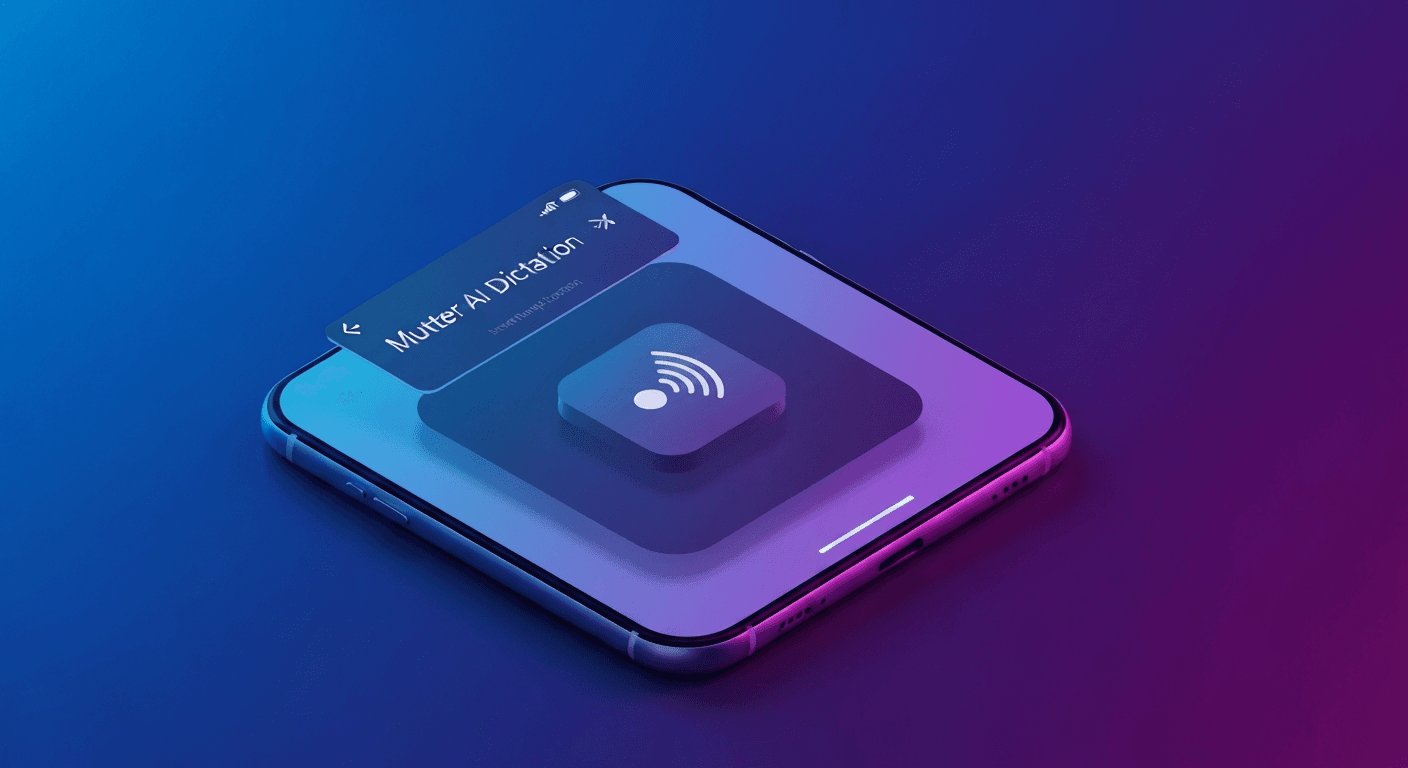
- Mutter AI Dictation is a macOS tool that transforms spoken thoughts into polished, ready-to-use text instantly.
- It goes beyond basic transcription, cleaning up filler words, adding punctuation, and adapting to your writing style.
- Offers both cloud-based and a unique 100% on-device "Private mode" for ultimate data privacy on Apple Silicon Macs.
- Pricing starts at $12/month for cloud features, with a premium tier at $24/month for on-device processing.
Mutter AI Dictation: My Honest Take on This New AI Powerhouse for Mac Freelancers
As a freelancer constantly juggling deadlines, client communication, and creative brainstorming, I'm always on the lookout for tools that can genuinely make my workflow smoother. Typing can be a bottleneck, especially when ideas are flowing faster than my fingers can keep up. That's why the launch of Mutter AI Dictation on Product Hunt immediately caught my eye. "Think out loud and get a polished version of your thoughts" – that's a promise that resonates deeply with anyone who lives by their words. I decided to dive in and see if Mutter could live up to the hype for us independent professionals.What is Mutter AI Dictation and What Core Problem Does It Solve?
At its heart, Mutter AI Dictation for macOS is designed to bridge the gap between your spoken thoughts and polished written content. We've all been there: you have a brilliant idea, you start talking it out, but by the time you try to type it, some of the nuance or flow is lost. Traditional dictation tools often transcribe every "um," "uh," and false start, leaving you with a messy block of text that still needs significant editing. Mutter tackles this head-on. It's not just a speech-to-text converter; it's a speech-to-writing tool. The core problem it solves is turning your natural, conversational ramblings into coherent, well-punctuated, and appropriately formatted prose – right where you need it, in any application. For freelancers like me, this means less time spent editing raw transcripts and more time focusing on the actual content and client work. It’s about capturing your thoughts in their most natural form and having AI do the heavy lifting to make them presentable.How Does It Work? – The Main Workflow Explained
Mutter's workflow is incredibly straightforward, aiming for minimal interruption to your thought process. It operates on a "push-to-talk" model, which I found to be very intuitive. Here's how it generally goes: 1. Activate the Hotkey: You assign a hotkey (like the `Fn` key) to trigger Mutter. When you have an editable text field open in any app – be it your email client, a document editor, a chat window, or even a coding IDE – you simply press and hold this hotkey. 2. Speak Naturally: With the hotkey held down, you speak your thoughts, ideas, or notes as you normally would in a conversation. Mutter records your speech, showing a live waveform display for up to 30 seconds. You don't need to speak formally or dictate punctuation; just talk like a person. 3. Release and Insert: The moment you release the hotkey, Mutter springs into action. Its on-device or cloud-based AI model (depending on your chosen mode) transcribes your speech, cleans up any filler words, applies appropriate punctuation, and even formats elements like numbers and times. The polished text then appears instantly in the text field where your cursor was. What's particularly clever is that Mutter saves every word to a local, searchable history before it even pastes the text. This is a huge safety net, ensuring you never lose a fleeting thought, even if an app crashes or a paste fails. This seamless "press, speak, release, done" cycle makes it feel less like dictation and more like an extension of your natural thinking.Key Features – Real Freelancer Use Cases
Mutter is packed with features that directly address common pain points for freelancers. Here are some that stood out to me:-
Polished, Ready-to-Use Output: This is Mutter's flagship feature. Unlike basic dictation that gives you a raw transcript, Mutter processes your speech to remove "ums," "uhs," and other filler words, and automatically adds conventional punctuation, capitalization, and even formats lists or numbers.
Freelancer Use Case: Drafting client emails or project proposals. Instead of typing out a rough draft and then spending ages cleaning it up, I can simply speak my thoughts, and Mutter delivers a professional-sounding draft that needs minimal tweaks. It’s a huge time-saver for communications.
-
True Privacy with On-Device Processing: Mutter offers a "Private mode" that processes your audio entirely on your Apple Silicon Mac. This means your voice data never leaves your device, touches a server, or is used to train any models.
Freelancer Use Case: Handling sensitive client information or confidential project details. For legal professionals, medical writers, or consultants dealing with proprietary data, this on-device processing provides unparalleled peace of mind. You can literally turn off Wi-Fi and it still works.
-
Never Lose a Word with Searchable History: Every single dictation is saved to a local, searchable history on your Mac. This happens before the text is even pasted into your current application.
Freelancer Use Case: Brainstorming sessions or rapid idea generation. Sometimes I'll just "mutter" ideas, even if I'm not sure where they'll go. Knowing that everything is saved and searchable later means I can freely express myself without fear of losing a potentially valuable insight. It's like an always-on thought recorder.
-
Custom Styles & Dictionary: Mutter allows you to create custom dictionaries and "styles." This means it can learn specific terminology, names, or even adapt its output tone based on the context.
Freelancer Use Case: Specialized writing, like technical documentation, medical reports, or creative storytelling with unique character names. I can train Mutter to recognize specific jargon, client names, or even my preferred tone for different types of content (e.g., "formal email style" vs. "casual blog post"). This significantly reduces post-dictation editing.
-
Works Anywhere You Type: The hotkey functionality means Mutter integrates seamlessly across your entire macOS environment. If there's a text field, Mutter can dictate into it.
Freelancer Use Case: From quickly replying to Slack messages, writing code comments in VS Code, drafting long-form articles in Notion, or even filling out web forms – Mutter is always accessible. This universal compatibility truly makes it a keyboard replacement, not just a niche tool.
Pricing – Making Sense of the Tiers
Mutter offers a clear pricing structure with two main tiers, catering to different needs regarding processing and features. They also provide a free demo to test the waters.| Plan | Monthly Price | Annual Price (per month) | Key Features Included | Best For |
|---|---|---|---|---|
| Cloud | $12 | $10 (billed annually) |
|
Freelancers who prioritize advanced AI features, multilingual support, and don't require 100% on-device privacy. |
| Premium (Private) | $24 | $20 (billed annually) |
|
Freelancers and professionals handling highly sensitive or confidential information, who prioritize ultimate data privacy and have an Apple Silicon Mac. |
There's also a free demo available on their website, which uses their cloud engine, so you can try it out without any commitment or even installing the app.
What Makes Mutter Unique Compared to Similar Tools?
While macOS has built-in dictation, and there are other AI dictation apps emerging, Mutter stands out in a few crucial ways: 1. "Speech-to-Writing" vs. "Speech-to-Text": This is the biggest differentiator. Apple Dictation, for example, transcribes your words verbatim, including all your verbal tics. Mutter actively cleans up your speech into readable, polished writing, removing fillers and applying proper formatting. This saves a tremendous amount of post-dictation editing time. 2. Uncompromising Privacy Option: The Premium tier's 100% on-device processing for Apple Silicon Macs is a significant advantage. Many cloud-based dictation tools send your audio to external servers for processing. Mutter offers a true local solution, which is a game-changer for privacy-conscious users. 3. Local, Persistent, Searchable History: The fact that every dictation is saved locally and is searchable is a powerful feature. Most dictation tools are ephemeral; once the text is pasted (or not), the original audio or raw transcript is gone. Mutter ensures your thoughts are never lost. 4. Customization for Professional Use: The ability to create custom dictionaries and styles means Mutter can adapt to specialized vocabulary and different writing contexts, making it far more useful for professionals than generic dictation. 5. Seamless Push-to-Talk Workflow: Its hotkey-based, app-agnostic approach is incredibly fluid. It doesn't require you to switch modes or applications, making it a natural extension of your input rather than a separate tool you have to actively manage.Who Should Try This?
Mutter AI Dictation is a fantastic fit for several types of freelancers and small businesses:- Content Creators & Writers: Bloggers, copywriters, authors, and anyone who produces a lot of written content will benefit from turning their spoken ideas into clean drafts. It's perfect for overcoming writer's block or capturing ideas on the go.
- Consultants & Coaches: For documenting client calls, brainstorming strategies, or drafting follow-up emails, Mutter can streamline communication and note-taking.
- Developers & Technical Writers: With custom dictionaries, it can handle technical jargon, making it useful for dictating code comments, documentation, or even drafting emails to a technical team.
- Legal & Medical Professionals: The "Private mode" is invaluable for those handling sensitive and confidential information, ensuring compliance and peace of mind.
- Busy Entrepreneurs: For those who need to quickly capture tasks, ideas, or meeting notes without typing, Mutter can keep you organized and productive throughout the day.
- Anyone Prone to RSI (Repetitive Strain Injury): Reducing typing time can be a huge relief for hands and wrists.
Who Should Skip This?
While impressive, Mutter might not be for everyone:- Occasional Dictation Users: If you only dictate short messages once in a blue moon, the built-in Apple Dictation, which is free and already installed, might suffice. Mutter's strength lies in its advanced cleanup and workflow integration for frequent users.
- Users Without Apple Silicon (for Private Mode): If the 100% on-device privacy is your primary draw but you're on an older Intel Mac, you won't get the full benefit of that specific feature in the Premium tier. The Cloud tier would still work, but without the absolute privacy guarantee.
- Budget-Conscious Users Who Don't Need Advanced Features: If a monthly subscription for a dictation tool feels steep and you're comfortable with basic transcription and manual cleanup, cheaper or free alternatives might be more appealing.
- Android/iOS Users Looking for Task Organization: It's important to note that there are other tools also named "Mutter" on Android (by IppoCode Technologies) and iOS (by Gabriel Prince) that focus more on automatically sorting spoken thoughts into tasks, ideas, and reminders. If that's your specific need, the macOS "Mutter AI Dictation" described here, which focuses on polished text output, might not be the right fit.
Final Verdict
Mutter AI Dictation is a genuinely exciting tool for macOS users, especially freelancers and professionals who rely heavily on written communication and content creation. It moves beyond simple transcription to offer a sophisticated "speech-to-writing" experience that significantly reduces editing time. The commitment to privacy with its on-device processing option is a major selling point, and the searchable history is a brilliant touch for knowledge workers. While the subscription cost might be a consideration for some, the productivity gains, especially in the quality of the output and the seamless workflow, could easily justify the investment for frequent users. It's polished, smart, and feels like a natural extension of how I already think and work. For its innovative approach to dictation, strong feature set, and dedication to user privacy, I'd give Mutter AI Dictation a solid 9/10. It's a tool that truly delivers on its promise of turning thoughts into polished writing.Frequently Asked Questions
What is the main difference between Mutter AI Dictation and Apple's built-in dictation?
The main difference is that Apple Dictation transcribes your words exactly as you speak them, including filler words and requiring you to dictate punctuation. Mutter AI Dictation, on the other hand, processes your speech to remove fillers, automatically adds correct punctuation, and formats the text into polished, ready-to-use writing.
Does Mutter AI Dictation work offline?
Yes, Mutter offers a "Private mode" (available in the Premium subscription tier) that performs 100% on-device speech recognition on Apple Silicon Macs. This means your dictation is processed locally without needing an internet connection, ensuring maximum privacy.
Can I use Mutter AI Dictation in any application on my Mac?
Yes, Mutter AI Dictation works across all macOS applications where you can type. It uses a universal hotkey system, allowing you to dictate directly into emails, documents, chat apps, code editors, and more, wherever your cursor is.
Is there a free version or trial for Mutter AI Dictation?
Mutter offers a free demo directly on its website that uses its cloud engine, allowing you to try out the core functionality without installing anything or signing up. While there isn't a perpetually free tier for the full Mac app, the demo provides a good sense of its capabilities.