Key Takeaways
- OpenChatCut is a new open-source AI agent video editor that combines a professional multi-track timeline with AI agent capabilities.
- It solves the problem of rigid AI video generation by allowing AI to make edits directly on an editable timeline, giving creators full control.
- The core software is free to use, with costs only arising from external AI model API services you choose to integrate.
- Ideal for freelance video editors, content creators, and developers seeking AI assistance without sacrificing manual editing precision or data privacy.
- While powerful, it requires some technical comfort for setup and isn't suited for those seeking a one-click, fully automated, cloud-based solution.
As a freelancer constantly on the lookout for tools that genuinely streamline my workflow without locking me into rigid systems, the launch of OpenChatCut immediately caught my eye. The promise? An "open-source AI agent video editor with a real timeline." That's a mouthful, but it hints at something truly exciting: an AI that helps you edit, not just generates a video you can't touch. After diving in, exploring its GitHub repository, and understanding its core philosophy, I'm ready to share my thoughts on what this tool brings to the table for fellow freelancers and content creators.
What is OpenChatCut and What Problem Does It Solve?
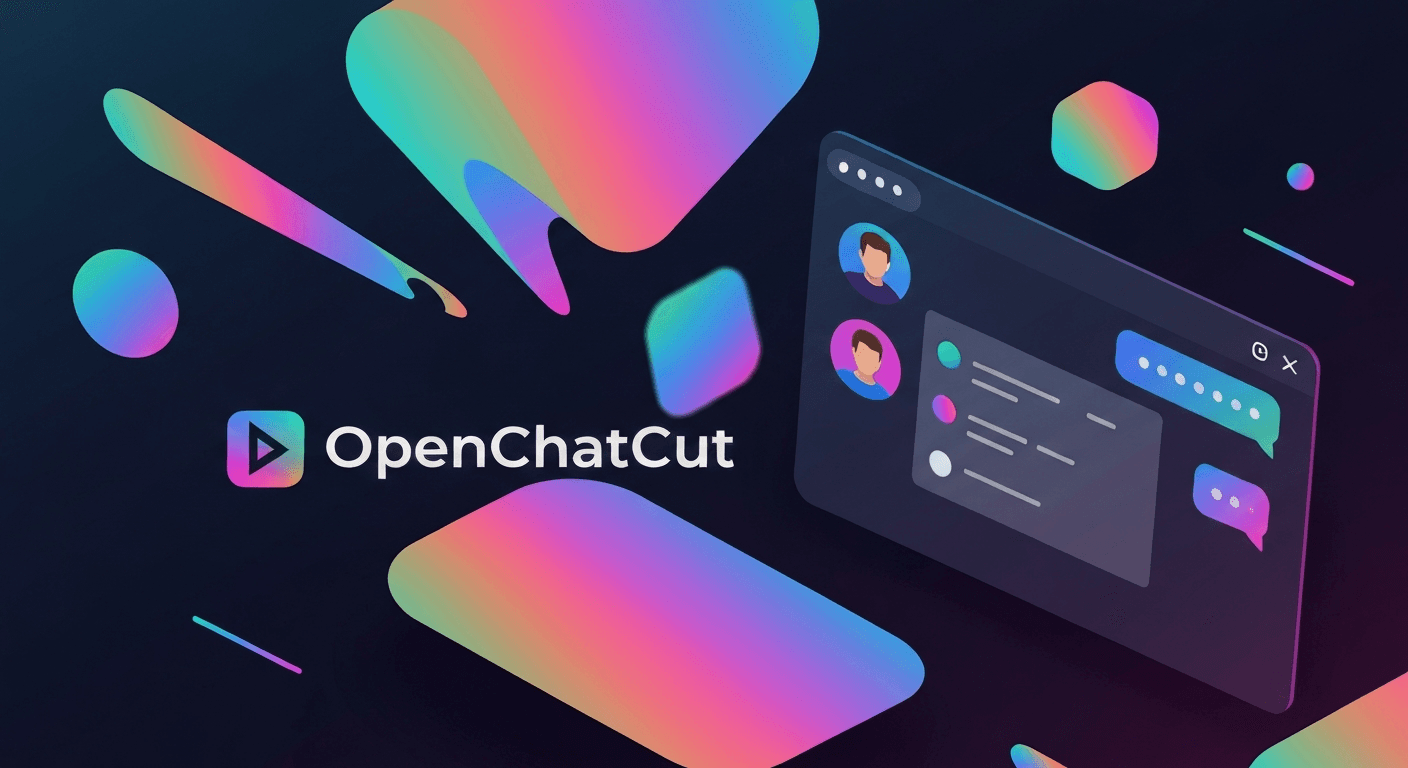
OpenChatCut is a fresh contender in the evolving landscape of AI-powered creative tools. At its heart, it's an open-source video editor that integrates conversational AI agents directly into a traditional, multi-track timeline. Think of it as having an AI assistant that doesn't just give you a finished product, but actually sits beside you, making changes to your project file, clip by clip, track by track.
The core problem OpenChatCut aims to solve is a big one in the current AI video space. Many existing AI video generation tools are fantastic for quickly producing content from text prompts. However, they often fall short when you need fine-grained control. You get a video, but if you want to tweak a specific cut, adjust a transition, or re-time a subtitle, you often have to start over or export to a traditional editor, losing the AI's context. This often means sacrificing either the speed of AI or the precision of human editing.
OpenChatCut flips this script. It's built for creators and developers who want AI to participate in the actual editing workflow without giving up professional control. Instead of starting from an empty chat box or an immutable generated result, every edit an AI agent makes in OpenChatCut is written to real tracks, clips, transitions, captions, effects, and media inside your project. This means you can continue editing manually, undo changes, save versions, or even hand the project to another agent. This local-first approach also means your projects and media stay on your machine by default, offering a layer of privacy and control that many cloud-based solutions don't.
How Does OpenChatCut Work? A Simple Workflow Explained
The magic of OpenChatCut lies in its unique architecture, which marries local editing power with the intelligence of AI agents. Here's a simplified breakdown of how it works:
- Local-First Foundation: Unlike many AI tools that require constant cloud connectivity, OpenChatCut is designed to be "local-first." This means the software runs on your computer, and your video projects, raw footage, and edited files are stored directly on your machine. This is a huge win for privacy and control, especially for freelancers dealing with sensitive client work.
- The Real Timeline: At its core, OpenChatCut provides a fully functional, professional multi-track video and audio timeline. You can import your media, arrange clips, add transitions, apply effects, and generally do all the manual editing you'd expect from a robust video editor. This is your canvas.
- AI Agents as Co-Editors: This is where the AI comes in. OpenChatCut allows you to invoke AI agents that can "see" and "understand" your timeline. These agents aren't just generating video; they're interacting with your project file, much like a human editor would. For example, you might prompt an agent to "remove all filler words" or "find suitable B-roll footage for this section." The agent then executes these commands directly on your timeline.
- Configurable AI Services: While OpenChatCut itself is open-source, its advanced AI capabilities (like transcription, image/video generation, or advanced language understanding) rely on external AI models. You, the user, configure API keys for services like OpenAI's GPT or Anthropic's Claude. This means you're in control of which AI services you use and any associated costs, rather than being tied to a single provider.
- Iterative Editing: The beauty is that the AI's edits are never final until you say so. You can review what the agent has done, make manual adjustments, undo actions, or even ask a different agent to take over. This iterative process ensures that the AI augments your creativity rather than replacing it.
Key Features for Freelancer Use Cases
Let's break down the standout features of OpenChatCut and how they can be a game-changer for freelancers in various niches:
-
Agent-Native Editing: Your Smart Assistant
OpenChatCut's most compelling feature is its agent-native editing. This means the built-in AI agent and any external agents you connect share the same editing tools available to you.- Freelancer Use Case: Imagine you're editing a long interview. Instead of manually scrubbing through, you could prompt, "Hey AI, identify all long pauses and suggest cuts." Or, "Find the strongest soundbites about X topic and create a rough sequence." For a marketing video, you might ask, "Generate three different intro sequences using this brand kit." This dramatically cuts down on tedious, repetitive tasks, freeing you for creative direction.
-
Professional Multi-Track Timeline: Control You Expect
Unlike many AI video generators that output a flat file, OpenChatCut provides a genuine multi-track timeline with support for multiple video and audio tracks, transitions, effects, LUTs (Look-Up Tables), zooms, and keyframes.- Freelancer Use Case: This is critical for any professional video editor. You can still manually fine-tune every aspect of your edit. The AI can give you a strong first pass, but you retain the power to adjust timing with frame-level precision, layer complex audio, or add custom visual effects. For instance, an AI might assemble a rough cut, and you then dive in to perfect the pacing and add a specific color grade.
-
Transcript-Driven Editing: Edit with Text, Not Just Timestamps
This feature offers word-level transcription, allowing for text-based cuts, automatic pause handling, speaker identification, and linked captions.- Freelancer Use Case: Editing talking-head videos, podcasts, or webinars becomes incredibly efficient. Instead of hunting for specific moments on the timeline, you can simply delete words or sentences from the transcript, and OpenChatCut will make the corresponding cut in the video. You can easily remove "ums," "ahs," or redundant phrases with a few clicks, or generate perfectly synced captions for accessibility.
-
Generation and Media: Filling the Gaps
OpenChatCut can generate images, video, speech, music, and sound effects, and even perform online media searches.- Freelancer Use Case: Need some quick B-roll to illustrate a point? Prompt the AI to generate a short clip based on a description. Looking for royalty-free background music? Ask the AI to find or even compose something suitable for your video's mood. This is invaluable for creators working on tight deadlines or with limited stock media budgets, rapidly iterating on visual and auditory elements.
-
Motion Graphics and WebGL: Adding Polish with Ease
The tool includes editable motion templates, custom shaders, visual effects, and transitions.- Freelancer Use Case: For explainer videos, social media ads, or corporate presentations, professional-looking motion graphics are key. Instead of needing a separate After Effects project, you can integrate dynamic titles, lower thirds, or animated elements directly within OpenChatCut, potentially even prompting the AI to suggest or create variations.
-
Production-Ready Exports: Seamless Integration
OpenChatCut supports exports to common formats like MP4 and audio, but also offers captions, FCPXML (Final Cut Pro XML), and complete project data.- Freelancer Use Case: The FCPXML export is a huge benefit, especially for editors who might need to jump into other professional NLEs (Non-Linear Editors) like Final Cut Pro or DaVinci Resolve for final touches or specific workflows. This ensures that the AI's work isn't a dead end but a strong foundation you can build upon in your preferred professional environment.
-
Local-First Development: Privacy and Control
Projects and media stay on your machine by default, with API keys remaining server-side (if you configure a local server for them).- Freelancer Use Case: For clients with strict data privacy requirements, or simply for peace of mind, knowing your raw footage and project files aren't being uploaded to a third-party cloud service by default is a major advantage. You control your data.
Pricing: The Open-Source Advantage
This is where OpenChatCut truly stands out from many commercial AI tools: it is an open-source project. This means the core software itself is free to download, use, and even modify. There are no subscription tiers for OpenChatCut itself, and you won't find a "Pro" or "Enterprise" plan to access its main features.
However, it's important to understand where costs might come in. OpenChatCut's advanced AI capabilities, such as using large language models for understanding prompts or generating media, often rely on external, third-party AI services. For example, to enable AI transcription or advanced generation, you would typically configure your own API keys for services like OpenAI, Anthropic's Claude, or other cloud-based AI providers. These external services have their own pricing models, usually based on usage (e.g., tokens processed, minutes of audio transcribed, images generated).
So, while OpenChatCut removes the software licensing cost, you are responsible for any usage fees from the AI models you choose to integrate. This model provides immense flexibility and cost control, as you only pay for the AI compute you actually use, directly to the providers of those services.
What Makes OpenChatCut Unique?
In a crowded market of AI video tools, OpenChatCut carves out a distinct niche:
- AI on a Real Timeline: This is its biggest differentiator. Many AI video tools either generate a video from scratch with limited editing options or offer AI features as add-ons within a traditional editor. OpenChatCut's agents directly manipulate a professional, editable timeline, bridging the gap between generative AI and hands-on editing.
- Local-First Philosophy: Prioritizing user data privacy and control by keeping projects and media on your local machine by default is a significant advantage over many cloud-dependent AI solutions.
- Open-Source Nature: Being open-source means transparency, community-driven development, and the freedom to customize. It fosters an ecosystem where developers can contribute and extend its capabilities, potentially leading to a more robust and adaptable tool over time.
- Agent-Native Architecture: The seamless integration of AI agents sharing the same editing tools as human users is a forward-looking approach to collaborative AI-human workflows.
Who Should Try This?
- Freelance Video Editors: If you're a professional editor who wants to leverage AI to speed up mundane tasks (like rough cuts, transcription, or finding B-roll) but absolutely needs to retain ultimate creative control on a professional timeline, OpenChatCut is built for you.
- Content Creators (YouTube, Social Media): For those producing a high volume of content, especially talking-head videos, explainer videos, or vlogs, the transcript-driven editing and AI assistance for generating supplementary media can dramatically reduce production time.
- Developers and Tech-Savvy Creators: Given its open-source nature and the need to configure API keys, developers interested in AI agent workflows or those comfortable running software from source will find this tool particularly appealing. It's a fantastic playground for experimenting with AI in a practical video editing context.
- Privacy-Conscious Users: If keeping your project files and sensitive media off third-party servers is a priority, the local-first design of OpenChatCut offers peace of mind.
Who Should Skip This?
- Complete Video Editing Beginners: If you're looking for a "one-click" solution to generate videos from text prompts without any desire for manual editing, OpenChatCut might be overkill. Its power lies in combining AI with a real timeline, which still requires some understanding of video editing principles.
- Users Preferring Fully Managed Cloud Solutions: If you prefer the convenience of entirely cloud-based platforms that handle all AI integrations and infrastructure, OpenChatCut's local-first, self-configured approach might feel like too much setup.
- Those Uncomfortable with Technical Setup: As an actively developed open-source project, OpenChatCut currently recommends running from source until official installers are widely available. Users who are not comfortable with command lines or configuring API keys might find the initial setup challenging.
- Users Needing Enterprise-Level Support: While the community can be helpful, an open-source project typically doesn't offer the dedicated, paid technical support that enterprise-level commercial software does.
Final Verdict
OpenChatCut represents a significant step forward in making AI truly collaborative in the video editing process. It elegantly addresses the common frustration of losing control when using generative AI by integrating agents directly into a familiar, professional timeline. Its local-first and open-source nature are huge selling points for privacy-conscious and budget-aware freelancers.
While it requires a bit of technical comfort for initial setup and configuring AI services, the potential for streamlining workflows and empowering creative control is immense. For the right user – particularly freelance video editors, content creators, and developers who embrace the open-source ethos – OpenChatCut is a powerful, flexible, and innovative tool that could redefine how we interact with AI in video production.
Rating: 8.5/10 (with the understanding that it's still under active development and requires some technical comfort).
Frequently Asked Questions
What is the main difference between OpenChatCut and other AI video editors?
The key difference is OpenChatCut's "real timeline" approach. While many AI video editors generate a final video that's hard to modify, OpenChatCut allows AI agents to make edits directly on a professional, multi-track timeline, giving users full control to refine and adjust the AI's work.
Is OpenChatCut truly free to use?
Yes, the OpenChatCut software itself is open-source and free to download and use. However, advanced AI features like transcription or content generation rely on external AI model APIs (e.g., OpenAI, Claude) that you configure, and these third-party services may incur their own usage-based costs.
Does OpenChatCut protect my privacy?
Yes, OpenChatCut is designed with a "local-first" philosophy. Your video projects and media files are stored on your local machine by default, offering enhanced privacy and control compared to many cloud-based AI tools.
Who is OpenChatCut best suited for?
OpenChatCut is best for freelance video editors, content creators, and developers who want to integrate AI assistance into their workflow while maintaining professional control over the editing process. It's also ideal for those who value open-source tools and data privacy.