Key Takeaways
- Qwen3.8-27B is a powerful, open-weight AI model from Alibaba, designed for coding, reasoning, and multimodal agentic tasks, suitable for local deployment.
- Ollama simplifies running large language models like Qwen3.8-27B locally, offering an easy-to-use command-line interface and REST API for model management and interaction.
- OpenCode is an open-source AI coding agent that integrates with various LLMs, including local ones via Ollama, to provide an intelligent assistant directly in your terminal for multi-step coding tasks.
- This setup allows developers to leverage a sophisticated AI coding agent on their local machine, enhancing privacy, control, and efficiency with just a few commands.
The world of AI development is constantly evolving, bringing powerful tools closer to developers. One of the most significant trends is the ability to run sophisticated large language models (LLMs) and AI agents directly on your local machine. This shift offers unparalleled benefits in terms of privacy, control, and customization. Imagine having a highly capable AI coding assistant that understands your codebase, helps debug issues, and even refactors code, all without sending your sensitive data to external cloud services. This is precisely what a combination of Qwen3.8-27B, Ollama, and OpenCode makes possible.
This article dives into how you can set up Qwen3.8-27B as a local AI coding agent using Ollama and OpenCode, explaining the underlying technologies and why this approach is gaining traction among developers. We'll explore what each component brings to the table and why running an AI coding agent locally with just three commands is a game-changer for your development workflow.
What is Qwen3.8-27B? A Powerful Open-Weight Model for Local AI
Qwen3.8-27B is a significant open-weight model from Alibaba's Qwen team, designed for a broad range of AI workloads, including coding, reasoning, agentic tasks, and multimodal applications. The "27B" in its name refers to its 27 billion parameters, positioning it as a substantial yet deployable model for self-hosting. Released under an enterprise-friendly Apache 2.0 license, Qwen3.8-27B provides developers with downloadable weights, enabling them to run it on their own infrastructure.
This model is built on a transformer-based decoder-only architecture, similar to the LLaMA series, but incorporates key modifications like untied embedding, Rotary positional embedding (RoPE), and SwiGLU activation. It boasts a native context length of 262,144 tokens, which can be extended up to 1,000,000 tokens, allowing it to handle extensive codebases and long-horizon tasks. A notable feature is its multimodal capability, supporting both text and visual inputs, including images and videos. This makes it particularly versatile for complex development scenarios where understanding diagrams or video explanations might be beneficial. Qwen3.8-27B also offers flexible reasoning control, with adjustable effort levels (xhigh, medium, low) and the ability to preserve reasoning context across turns, leading to more reliable multi-step task completion.
For developers, Qwen3.8-27B is compelling because it offers competitive performance against larger, proprietary models in coding and reasoning benchmarks, while remaining practical to run on a single GPU. Quantized versions can even run on GPUs with 24 GB of VRAM, making it accessible for many individual developers and smaller teams.
Why Local AI Coding Agents Matter for Developers
The concept of an AI coding agent that runs locally is a game-changer for several reasons, primarily benefiting software developers and teams working with sensitive information:
- Enhanced Privacy and Security: Most cloud-based AI coding tools require your source code to be sent to their servers for processing. A local AI agent ensures your code never leaves your machine, providing a clear trust boundary. This is crucial for proprietary software, regulated industries, or projects involving customer data, where compliance and data sovereignty are paramount.
- Full Control and Customization: Running an LLM locally gives you complete control over the model. You can audit every API call, customize prompts, and even fine-tune the model for specific use cases or internal documentation without external interference. This prevents issues like unexpected changes in model behavior or "personality" that can occur with cloud providers.
- Reduced Latency and Offline Capability: Local agents eliminate the round-trip latency to cloud services, leading to faster responses and a more fluid development experience. Once downloaded, the models can also function without an internet connection, allowing for uninterrupted work in any environment.
- Cost-Effectiveness: While initial hardware investment might be required, running models locally can significantly reduce or eliminate recurring API costs associated with cloud-based LLMs, especially for high-volume inference workloads.
- Consistency: With local models, you have certainty that you are using the exact same model weights until you decide to update them, ensuring consistent performance, unlike cloud models where hidden changes or A/B testing might occur.
Ollama: Your Gateway to Local LLMs
Ollama is an open-source framework that has rapidly become the go-to solution for simplifying the deployment and management of large language models on local machines. Developed by Jeffrey Morgan and Michael Chiang, Ollama was first released in 2023 and has since expanded its capabilities to support a wide range of models, including Llama, Mistral, Gemma, and of course, Qwen.
Ollama acts as a streamlined platform, abstracting away the complexities of setting up and running LLMs. Its key features include:
- Easy Model Management: With simple command-line interface (CLI) commands, you can download, run, and manage a vast library of open-source LLMs. For example, to run Qwen3.8-27B, you would typically use a command like
ollama pull qwen3.8-27b. - Local Execution & Privacy: Ollama's core strength is enabling LLMs to run directly on your computer, ensuring data privacy and allowing for offline use.
- REST API: It exposes an OpenAI-compatible REST API, making it easy to integrate local LLMs into various applications and workflows, including coding assistants and custom scripts.
- Multi-platform Support: Ollama is available for macOS, Linux, and Windows, with GPU acceleration support where available.
- Customization: Users can customize models using Modelfile configurations, allowing for fine-tuning prompts and parameters to suit specific needs.
Ollama's commitment to simplicity and privacy makes it an invaluable tool for developers looking to leverage the power of LLMs without relying on cloud services.
OpenCode: The Intelligent AI Coding Agent for Your Terminal
OpenCode is an open-source AI coding agent designed to live directly in your terminal, providing intelligent assistance for software development tasks. Built by Anomaly and the OpenCode community, it stands out as a model-agnostic tool, meaning it isn't tied to a single LLM provider. This flexibility allows developers to connect OpenCode to various LLMs, including powerful local models served by Ollama.
Unlike simple autocomplete tools or chatbots, OpenCode is a full agent harness. It's built to carry out multi-step tasks by connecting an AI model to your repository, terminal, and development tools. For example, you can ask it to fix a bug, and it can find relevant files, draft a plan, edit code, run tests, and respond to errors – all from your terminal.
Key functionalities of OpenCode include:
- Codebase Interaction: OpenCode can read and edit files, run shell commands, and navigate your codebase, providing real-time assistance. It integrates with Language Server Protocol (LSP) to provide code intelligence and diagnostics as feedback.
- Agentic Workflows: It supports various subagents for tasks like multi-step searches, codebase scanning, and consulting outside documentation. You can even create custom agents with their own models, prompts, and tool permissions.
- Context Management: OpenCode helps manage project context by generating an
AGENTS.mdsummary of your project's structure and conventions upon initialization, which can be committed to Git for shared team context. - Flexibility in Model Choice: OpenCode is designed to work with over 75 providers and any OpenAI-compatible endpoint, including locally hosted models. This makes it an ideal companion for Ollama.
- Terminal User Interface (TUI): Built with Go and the Bubble Tea framework, OpenCode offers a native-feeling TUI for interacting with the AI. It's also available as a desktop app and IDE extension.
OpenCode is free to use, licensed under MIT, with the only cost being the model inference you run through it.
The Magic Trio: How Qwen3.8-27B, Ollama, and OpenCode Work Together
Bringing Qwen3.8-27B, Ollama, and OpenCode together creates a powerful, private, and efficient local AI coding agent. Here's the high-level workflow:
- Ollama as the LLM Runtime: You first install Ollama on your machine. This open-source platform handles the heavy lifting of downloading and running Qwen3.8-27B. Ollama effectively serves the Qwen model as a local API endpoint.
- Qwen3.8-27B as the Brain: Once pulled via Ollama, Qwen3.8-27B becomes the "brain" of your coding agent. Its advanced reasoning, coding capabilities, and large context window allow it to understand complex programming tasks, analyze your codebase, and generate highly relevant responses.
- OpenCode as the Agentic Layer: OpenCode connects to the locally served Qwen3.8-27B model through Ollama's API. It acts as the intelligent interface and orchestrator. When you give OpenCode a task, it uses Qwen3.8-27B's intelligence to understand the request, plan steps, interact with your files and terminal, and execute commands, all while keeping the interaction within your local environment.
This synergy means that Qwen3.8-27B provides the raw intelligence, Ollama provides the accessible local infrastructure for that intelligence, and OpenCode provides the agentic capabilities to apply that intelligence directly to your development workflow.
The 3-Command Setup: A Simplified Overview
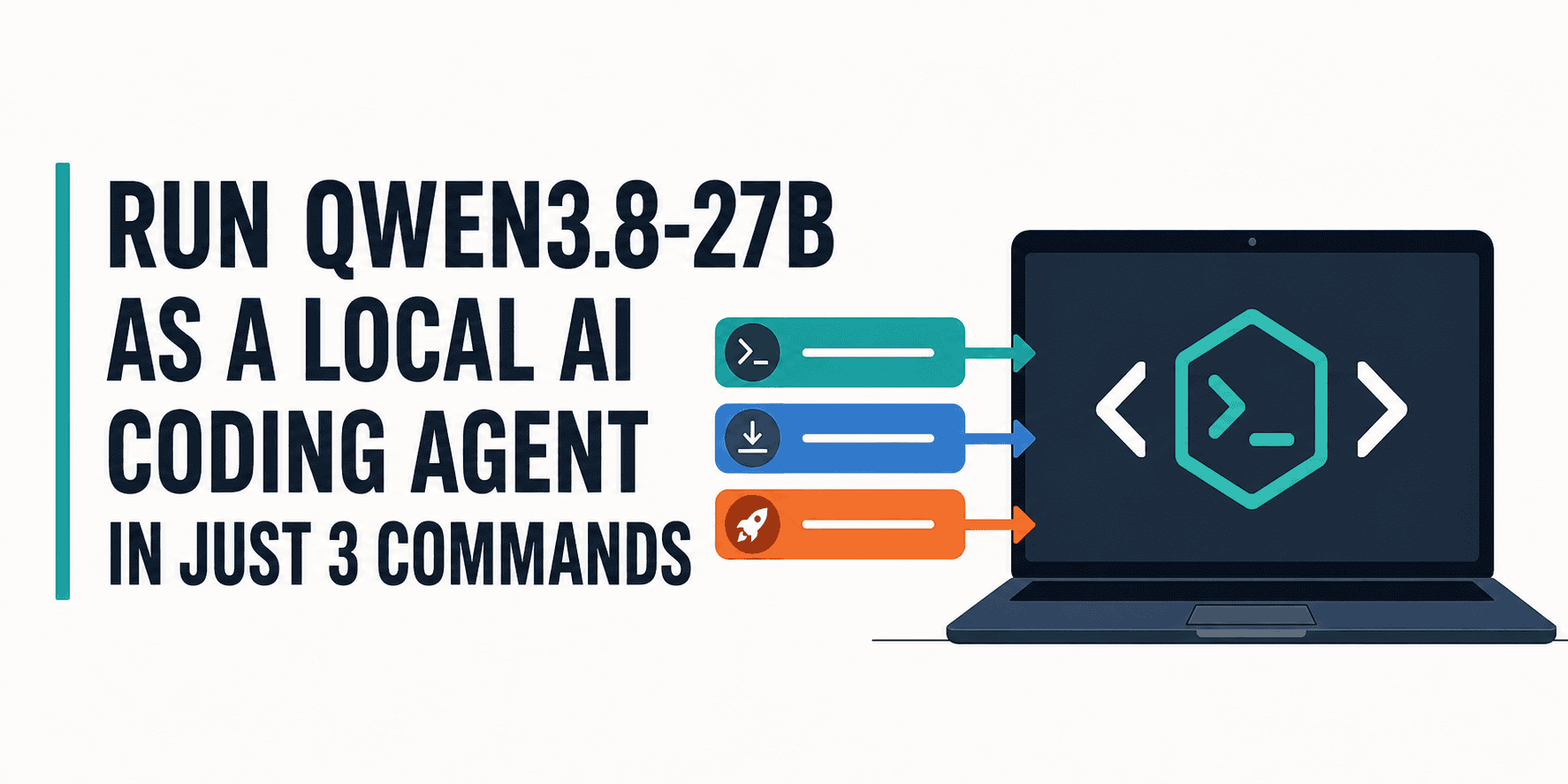
The beauty of this setup lies in its simplicity. While the exact commands might vary slightly based on your operating system and specific configurations, the core idea revolves around three main steps:
- Download Ollama: The first step is to get Ollama running on your system. This typically involves a straightforward download and installation script or executable, depending on your OS (macOS, Linux, or Windows).
Purpose: This command establishes the foundational platform for running local LLMs.
- Pull and Serve Qwen3.8-27B with Ollama: Once Ollama is installed, you use its command-line interface to download the Qwen3.8-27B model and make it available for local inference.
Purpose: This command fetches the Qwen3.8-27B model weights and prepares them to be run by Ollama, essentially turning your local machine into a server for the LLM.
- Launch OpenCode and Connect to Qwen3.8-27B: Finally, you install and launch OpenCode. Within OpenCode, you'll configure it to use your locally running Qwen3.8-27B model via Ollama's local API endpoint.
Purpose: This command activates the AI coding agent and links it to the powerful Qwen3.8-27B model, allowing you to start interacting with your codebase using natural language.
This streamlined process significantly lowers the barrier to entry for developers who want to experiment with or integrate powerful AI coding agents into their daily work without deep knowledge of LLM deployment.
Benefits for Developers and the Future of Coding
For developers, this local AI coding agent setup offers tangible advantages:
- Increased Productivity: Automating repetitive tasks, getting instant code suggestions, and having an intelligent assistant to help with debugging and refactoring can dramatically speed up development cycles.
- Enhanced Learning: By interacting with the AI agent, developers can learn new patterns, understand complex codebases faster, and explore different approaches to problem-solving.
- Rapid Prototyping: Quickly scaffold new features, generate boilerplate code, and experiment with different architectures with the AI's help, accelerating the prototyping phase.
- Deeper Codebase Understanding: Agents can analyze your codebase, understand its structure, and even generate documentation or explanations, helping you maintain a clear overview of your projects.
The ability to run models like Qwen3.8-27B locally, powered by user-friendly tools like Ollama and OpenCode, signals a future where highly capable AI assistance is not just a cloud service but a personal, customizable, and private tool at every developer's fingertips. This democratizes access to advanced AI, fostering innovation and giving developers unprecedented control over their tools and data.
Frequently Asked Questions
What hardware do I need to run Qwen3.8-27B locally?
Running Qwen3.8-27B locally typically requires a GPU with sufficient VRAM. For 4-bit quantized versions, about 14-17GB of VRAM is needed, which means a 24GB GPU configuration (like an RTX 4090) should be able to run it. For full 16-bit precision, approximately 56GB of GPU memory is required. Additionally, Ollama recommends at least 8 GB of RAM for 7B models, 16 GB for 13B models, and 32 GB for 33B models, so having ample system RAM is also important.
Is OpenCode free to use?
Yes, OpenCode is an open-source project released under the MIT license, meaning the tool itself is free. Your only potential cost would be for the model inference if you choose to use paid cloud-based LLMs through OpenCode. However, when using local models like Qwen3.8-27B via Ollama, the inference cost is effectively zero, beyond your hardware and electricity.
Can I use other LLMs with Ollama and OpenCode?
Absolutely. Ollama supports a wide range of open-source LLMs beyond Qwen3.8-27B, including Llama, Mistral, Gemma, Code Llama, and many others. Similarly, OpenCode is model-agnostic and can connect to various LLM providers and any OpenAI-compatible endpoint, making it highly flexible. This allows you to experiment with different models to find the best fit for your specific coding tasks.
What are the main advantages of running an AI coding agent locally compared to cloud services?
The primary advantages of running an AI coding agent locally include enhanced privacy and security, as your code never leaves your machine. You also gain full control over the model, reduced latency, offline capability, and potentially significant cost savings by avoiding recurring API fees. This approach provides greater consistency in model behavior and allows for deep customization.