Key Takeaways
- OpenClaw is an open-source, self-hosted AI assistant that connects local LLMs (like those run by Ollama) to your favorite messaging apps, including Telegram.
- Combining OpenClaw with Ollama creates a private, always-on AI research assistant that operates entirely on your hardware, ensuring data privacy and control.
- Key configurations include setting an adequate context length (recommended 64k+ tokens for local models), integrating web search for real-time information, and deploying headlessly with Docker for persistent operation.
- This setup empowers developers and AI enthusiasts to build powerful, custom AI agents without reliance on cloud services or per-token costs.
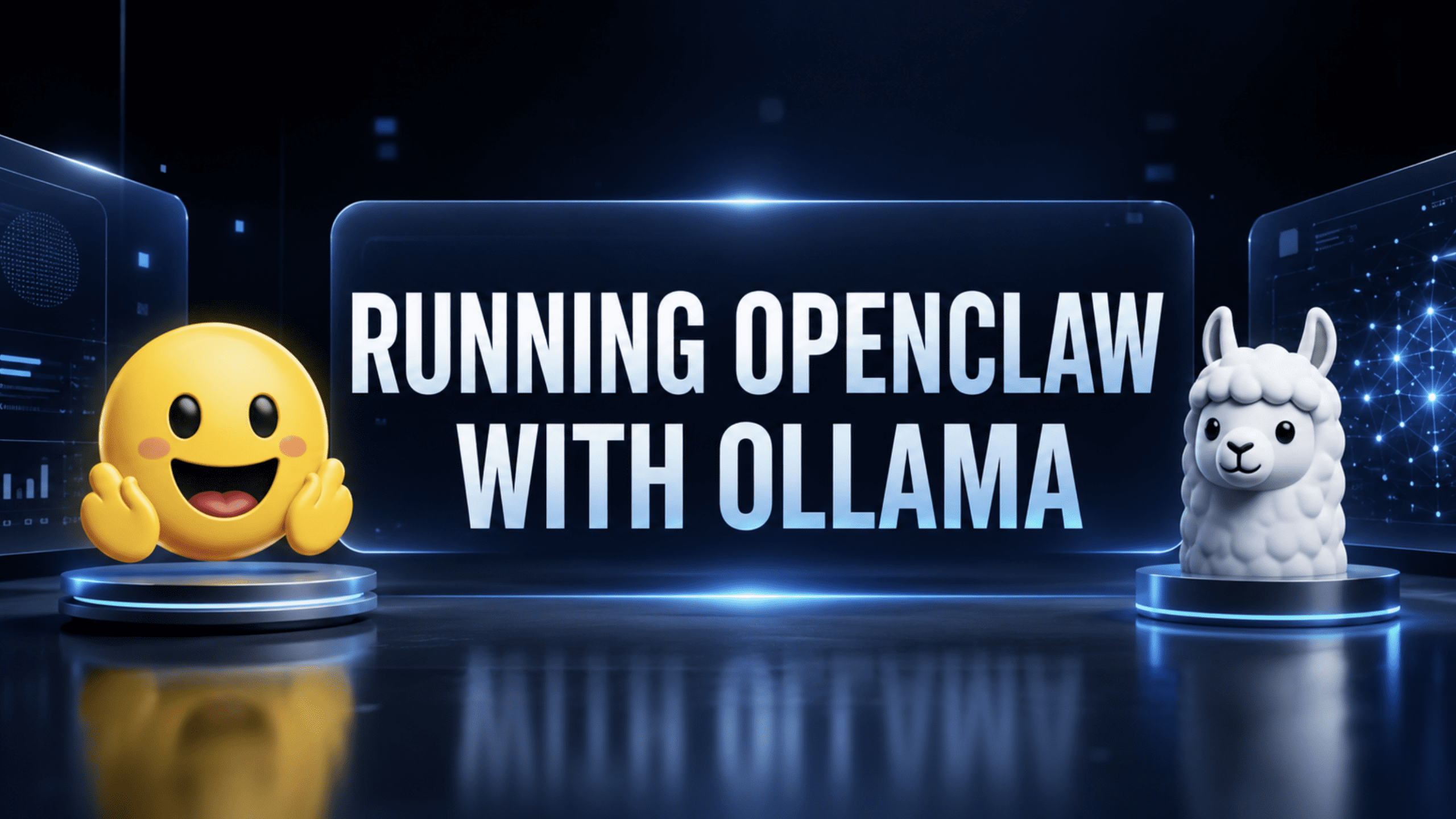
In the rapidly evolving world of artificial intelligence, the ability to harness powerful language models locally and integrate them into daily workflows is a game-changer. This article explores the exciting synergy between OpenClaw, a personal AI assistant, and Ollama, a platform for running large language models (LLMs) on your own machine. We will deep dive into how these two tools combine to create a private, self-hosted AI research assistant accessible directly through Telegram, covering essential aspects from setup philosophy to advanced deployment.
Understanding the Core Components: OpenClaw and Ollama
Before we dive into the integration, let's understand each component individually.
What is OpenClaw? Your Personal, Autonomous AI Agent
OpenClaw, originally known as Clawdbot and Moltbot, is an open-source, self-hosted AI assistant designed to run on your devices. Its primary purpose is to bridge various messaging services, such as Telegram, WhatsApp, Slack, and Discord, with advanced AI agents. Unlike traditional chatbots that simply respond to queries, OpenClaw is built for true autonomous operation. It can execute multi-step workflows, make tool calls, evaluate results, and decide on next steps without constant human intervention.
Created by macOS developer Peter Steinberger and released in late 2025, OpenClaw quickly gained traction for offering a "24/7 Jarvis" experience. It operates as a local-first gateway, meaning the core control plane for sessions, channels, tools, and events resides on your machine, ensuring privacy and control over your data. Key features include a multi-channel inbox, multi-agent routing for isolated tasks, and robust system integration that allows it to run shell commands, read/write files, and control browsers. OpenClaw is also model-agnostic, allowing users to connect it with various LLMs, whether cloud-hosted or local.
What is Ollama? Running LLMs Locally Made Easy
Ollama is a groundbreaking platform that democratizes access to large language models by enabling users to run them locally on their machines. It provides a unified runtime and API for deploying pre-trained, open-weight language and multimodal models, eliminating the need for complex infrastructure or training models from scratch.
The core philosophy behind Ollama is local execution, which mitigates privacy concerns associated with cloud-based solutions and offers faster processing speeds. Ollama boasts an extensive library of popular open-source models like Llama 3, Mistral, Qwen, and DeepSeek-R1, allowing users to choose models tailored to their specific tasks and hardware capabilities. It offers a user-friendly command-line interface (CLI) for managing models (pulling, creating, removing, copying) and exposes a REST API for seamless integration with other applications.
While Ollama is primarily free for local use, it also offers optional cloud services (Pro at $20/month, Max at $100/month) for those needing access to larger models, parallel requests, or real-time web information on datacenter-grade hardware. Importantly, Ollama emphasizes data privacy, stating that user data is never used for training.
The Synergy: Building a Private Research Assistant with OpenClaw and Ollama
The combination of OpenClaw and Ollama creates a powerful local AI ecosystem. OpenClaw acts as the intelligent orchestrator, connecting your chosen communication channel (Telegram in this case) to the computational power of Ollama's locally hosted LLMs. This setup allows for a truly private, always-on AI research assistant that operates entirely within your control.
High-Level Architecture: How it Works
When you send a message to your OpenClaw-powered Telegram bot, the flow is straightforward yet sophisticated:
- Message Reception: Your text message arrives through Telegram's Bot API and is received by the OpenClaw Gateway.
- Gateway Processing: The Gateway, running as a daemon in the background on your machine, holds the messaging connection open and coordinates the AI agent's actions.
- LLM Inference: OpenClaw routes your message to the selected LLM running locally via Ollama's native API (specifically
/api/chat, not the OpenAI-compatible/v1endpoint). - Response Generation: The Ollama-hosted LLM processes the query, potentially utilizing various tools and skills configured within OpenClaw (such as web search).
- Response Delivery: The generated response travels back through the OpenClaw Gateway and is delivered to you via Telegram.
This three-layer design ensures that all processing happens locally, keeping your interactions private and secure.
Key Configuration Aspects for Your Private Research Assistant
To get the most out of your OpenClaw and Ollama setup, several configuration points are critical.
1. Correctly Configuring Context Length
The "context window" is the maximum number of tokens an LLM can process at once. For a research assistant, a larger context window is vital to handle complex queries, extended conversations, and detailed document analysis. OpenClaw defines "context" as everything sent to the model, including the system prompt, conversation history, tool calls, and attachments.
OpenClaw documentation strongly recommends using a context window of at least 64k tokens when working with local models via Ollama. By default, many Ollama models might run with a smaller context (e.g., 4K tokens). You can adjust this through Ollama's settings UI or by setting the OLLAMA_CONTEXT_LENGTH environment variable when starting Ollama. OpenClaw also features an auto-compaction mechanism that summarizes older messages into a compact entry when the conversation nears the context limit, preventing overflow errors and allowing long-running sessions.
2. Connecting the Telegram Channel
Integrating with Telegram transforms your local AI into an accessible, always-on assistant. The process involves:
- Creating a Telegram Bot: Use Telegram's official @BotFather to create a new bot, choose a name and username, and obtain your unique bot token.
- Configuring OpenClaw: Use the
openclaw configure --section channelscommand, select Telegram, and paste your bot token when prompted. - Pairing the Bot: Initiate a conversation with your newly created bot in Telegram (e.g., send
/start). The bot will provide a pairing code and a command you need to execute in your OpenClaw terminal to complete the authentication.
For private bots, it's crucial to use pairing mode and whitelist authorized user IDs in your openclaw.json configuration to enhance security.
3. Enabling Web Search for Real-Time Information
Standard LLMs have a knowledge cutoff, meaning their training data is not always up-to-date. Integrating web search allows your AI assistant to access real-time information, making it an invaluable research tool. OpenClaw ships with a bundled web_search provider that can route through various search engines.
For local Ollama models to utilize web search, you often need to perform an ollama signin. You can configure your preferred web search provider (e.g., Brave Search, DuckDuckGo, Gemini, Grok, or Ollama's own web search) via openclaw configure --section web. This empowers your AI to act as a "knowledge architect," transforming raw search results into structured, usable information that can be retained in its session memory.
4. Deploying Headlessly in Docker
For a truly persistent and isolated research assistant, deploying OpenClaw headlessly in Docker is an excellent approach. This is particularly useful for servers or environments where you want OpenClaw to run continuously without a graphical interface.
The official OpenClaw GitHub repository provides resources for Docker deployment, including a Dockerfile and Docker Compose definitions. Prerequisites include Docker Desktop (or Docker Engine) and Docker Compose v2. The process typically involves building the gateway image locally or pulling a pre-built image from GitHub Container Registry, then using Docker Compose to start the services with persistent volumes. The setup script often handles initial onboarding, token generation, and configuring the workspace. Headless deployment ensures that your AI assistant remains operational 24/7, providing continuous support and automation.
Implications for AI Practitioners and Freelancers
This self-hosted OpenClaw and Ollama setup offers significant benefits for anyone working with AI:
- Unparalleled Privacy: All your interactions and data processing happen on your local machine, giving you complete control and peace of mind, especially for sensitive research or proprietary information.
- Cost-Effectiveness: By running LLMs locally via Ollama, you avoid per-token API costs associated with cloud-based models, making extensive research and experimentation much more affordable.
- Customization and Control: You have full control over the models you use, their configurations, and OpenClaw's extensive skill ecosystem. This allows for deep personalization of your AI assistant to fit specific research methodologies or niche domains.
- Always-On Automation: With headless Docker deployment, your research assistant can continuously monitor information, process data, and execute tasks in the background, even when you're offline or away from your desk.
- Enhanced Capabilities: The integration of web search means your local LLM is no longer limited by its training data cutoff, providing access to the latest information for dynamic research tasks.
For freelancers and small businesses, this architecture can transform a chatbot into a "digital executive office," providing a 24/7 research analyst, project manager, or strategic advisor that operates with local data control and without recurring cloud expenses.
Conclusion
The combination of OpenClaw and Ollama represents a powerful paradigm shift towards personalized, private, and powerful AI assistants. By carefully configuring context length, integrating with Telegram for seamless access, enabling real-time web search, and deploying headlessly with Docker, you can build a robust research assistant that operates entirely on your terms. This setup not only offers significant advantages in privacy and cost but also empowers developers and AI enthusiasts to push the boundaries of what a personal AI can achieve, making advanced AI capabilities more accessible and controllable than ever before.
Frequently Asked Questions
What is the main benefit of running OpenClaw with Ollama locally?
The primary benefit is enhanced privacy and control over your data. All AI inference and data processing happen on your local machine, preventing your information from being sent to external cloud services. It also eliminates per-token API costs, making it a cost-effective solution for extensive AI use.
Why is context length important for an AI research assistant?
Context length determines how much information an AI model can process and "remember" in a single interaction. For a research assistant, a larger context window (recommended 64k+ tokens with OpenClaw and Ollama) allows the AI to handle longer documents, more complex queries, and maintain a coherent understanding across extended conversations, leading to more accurate and comprehensive responses.
Can I use other messaging apps besides Telegram with OpenClaw?
Yes, OpenClaw is designed for multi-channel integration. Besides Telegram, it supports a wide range of messaging services including WhatsApp, Slack, Discord, Google Chat, Signal, iMessage, and more, allowing you to interact with your AI assistant through your preferred platform.
Is it complicated to set up web search with OpenClaw and Ollama?
OpenClaw simplifies web search integration by bundling a web_search provider. While some initial configuration (like choosing a search provider and potentially signing into Ollama for local models to use its web search) is required, the process is streamlined through OpenClaw's configuration commands. This enables your local AI to access real-time information from the internet.