Key Takeaways
- Running open-source Large Language Models (LLMs) locally offers unmatched data privacy, cost control, and customization for developers and AI practitioners.
- Tools like Ollama, LM Studio, and Jan provide user-friendly interfaces to download, manage, and interact with various quantized LLMs directly on your computer.
- Projects such as PrivateGPT enable fully offline Retrieval Augmented Generation (RAG) for document Q&A, keeping sensitive data entirely within your local environment.
- The underlying
llama.cppproject and its GGUF format are foundational, making efficient local inference possible across diverse hardware, including CPUs and GPUs.
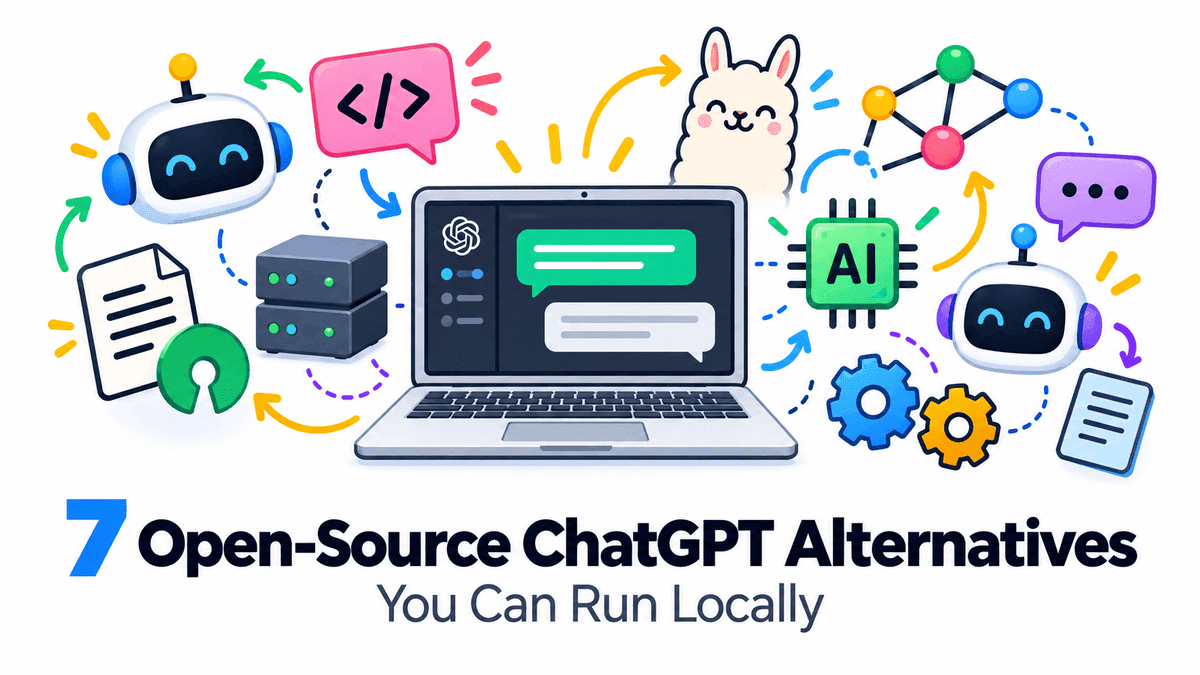
In the rapidly evolving world of Artificial Intelligence, Large Language Models (LLMs) like ChatGPT have changed how we interact with technology. However, relying solely on cloud-based services often brings concerns about data privacy, recurring costs, and customization limits. This is where open-source alternatives, designed to run right on your own machine, become incredibly valuable.
For software developers, AI practitioners, and tech-savvy freelancers, the ability to run LLMs locally means more control, enhanced privacy, and the freedom to experiment without constant internet access or API fees. This article explores seven excellent open-source alternatives to ChatGPT that you can set up and run on your local hardware, covering everything from simple chat interfaces to advanced self-hosted AI workspaces.
Why Run Large Language Models Locally?
The appeal of local LLMs goes beyond just avoiding subscription costs. Here are some key reasons why running these models on your own system is a game-changer:
- Data Privacy and Security: When an LLM runs locally, your data never leaves your machine. This is crucial for handling sensitive information, proprietary code, or confidential client data. You maintain complete control over your inputs and outputs.
- Offline Access: No internet? No problem. Local LLMs work entirely offline, making them perfect for environments with limited or no connectivity, or for tasks that require uninterrupted access.
- Cost Savings: While there's an initial hardware investment, running models locally eliminates ongoing API costs associated with cloud-based services. For heavy users or developers building applications, this can lead to significant savings over time.
- Customization and Experimentation: Local setups offer unparalleled flexibility. You can fine-tune models, experiment with different quantization levels, integrate them into custom workflows, and build unique applications without being restricted by a provider's API.
- Learning and Development: For developers, running LLMs locally provides a deeper understanding of how these models work, how to optimize them, and how to integrate them into various software solutions. It's a hands-on learning experience.
How Local LLMs Work: A High-Level Overview
Running powerful LLMs on consumer hardware might sound complex, but thanks to advancements in model optimization, it's more accessible than ever. The core idea relies on a few key concepts:
- Quantization: This process reduces the precision of a model's weights (e.g., from 32-bit floating-point numbers to 4-bit integers) without significantly impacting performance. Smaller, quantized models require less memory and run faster on less powerful hardware, including CPUs.
- GGUF Format: The GGML Universal File Format (GGUF) is a binary file format designed by the
llama.cppproject. It efficiently stores both model weights and metadata in a single file, optimized for fast loading and execution, especially for quantized models. Many local LLM tools leverage this format. - Inference Engines: Projects like
llama.cppact as the inference engine, providing the underlying C/C++ code to efficiently run these quantized models on various hardware, including CPUs, GPUs (NVIDIA, AMD, Apple Silicon), and NPUs.
7 Open-Source Alternatives to ChatGPT You Can Run Locally
1. Ollama: The User-Friendly Local LLM Runner
Ollama, developed by Jeffrey Morgan and Michael Chiang, was first released on July 8, 2023, and quickly became a popular choice for running large language models locally. It provides a simple command-line interface (CLI) and a native graphical user interface (GUI) for macOS and Windows (as of July 30, 2025), making it incredibly easy to download, run, and manage various open-weight models like Llama, Mistral, Gemma, and Qwen.
Key Features:
- Simple Setup: Ollama streamlines the process of getting LLMs running with just a few commands.
- Model Library: Access a growing library of pre-packaged models directly from the Ollama website.
- REST API: It includes a local REST API, allowing developers to integrate local LLMs into their own applications using client libraries for Python and JavaScript.
- Multi-Platform Support: Available for macOS, Linux, and Windows. In March 2026, Ollama also announced preview support for Apple silicon.
- Cloud Integration (Optional): While primarily local, Ollama also offers optional cloud-hosted models and a "Turbo" service for larger models, with a focus on data privacy even in the cloud. Local functionality remains free.
Official Links: Ollama Official Website | Ollama GitHub Repository
2. LM Studio: Desktop GUI for Model Management
LM Studio, developed by Element Labs, Inc., launched in May 2023 and offers a comprehensive desktop application for running and managing LLMs locally. It's known for its user-friendly graphical interface, which simplifies finding, downloading, loading, and chatting with compatible AI models. While proprietary and closed-source, LM Studio is free for both personal and business use as of July 2025.
Key Features:
- Integrated Model Discovery: Easily browse and download GGUF models directly from Hugging Face within the application.
- Chat Interface: Provides a clean conversational interface for interacting with loaded models, with configurable generation parameters.
- Local AI Server: Can run as a local inference server, exposing models through OpenAI-compatible and Anthropic-compatible REST APIs for other applications.
- Hardware Acceleration: Utilizes
llama.cppas its inference engine for GGUF models and supports Apple's MLX framework on Apple silicon. - CLI and SDKs: Includes command-line tools and SDKs for Python and TypeScript for advanced integration.
Official Links: LM Studio Official Website | LM Studio GitHub Organization
3. GPT4All: Simple, Cross-Platform Local Chat
GPT4All is an open-source project from Nomic AI that focuses on making powerful LLMs accessible to everyone, even on consumer-grade hardware. It provides a desktop chat client that allows users to download and run various open-source models offline. The project emphasizes privacy, ensuring that no data leaves your local machine.
Key Features:
- Easy-to-Use Desktop App: Offers a straightforward graphical interface for chatting with local models.
- Curated Model Collection: Provides access to a selection of models specifically optimized for local execution.
- Cross-Platform: Available for Windows, macOS, and Linux.
- Fully Offline: Designed to work without an internet connection once models are downloaded.
- Open-Source: The client and many of the models are open-source, promoting transparency and community contributions.
Official Links: GPT4All Official Website | GPT4All GitHub Repository
4. PrivateGPT: Confidential Document Assistant
PrivateGPT is a significant project for anyone concerned about data privacy when interacting with documents. Launched in May 2023, it started as a proof-of-concept for chatting with documents entirely offline. It has since evolved into an open-source API layer for building private AI applications, providing a framework for Retrieval Augmented Generation (RAG) pipelines that keep all data within your local environment.
Key Features:
- 100% Private: Ensures your documents and queries never leave your local machine, making it ideal for sensitive data.
- Retrieval Augmented Generation (RAG): Allows you to ask questions about your documents and get answers grounded in their content, all offline.
- OpenAI-Compatible API: Provides an API that follows the OpenAI API model, making it easier for developers to integrate with existing tools and workflows.
- Modular Architecture: Built on top of frameworks like LlamaIndex and FastAPI, offering flexibility for customization.
- Dockerized Deployment: Supports Docker for easy setup and deployment.
Official Links: PrivateGPT Documentation | PrivateGPT GitHub Repository
5. Open-WebUI: Self-Hosted AI Chat Interface
Open-WebUI offers a user-friendly, self-hosted web interface for interacting with various LLMs, including those run via Ollama or OpenAI-compatible APIs. It's designed to be extensible, feature-rich, and capable of running entirely offline, providing a complete self-hosted AI workspace.
Key Features:
- Unified Interface: Connects to local models (via Ollama) and cloud APIs (OpenAI-compatible) through a single, clean web interface.
- RAG Integration: Includes a built-in inference engine for Retrieval Augmented Generation, supporting file uploads for context.
- Extensible: Supports plugins and extensions, allowing users to expand its capabilities.
- Multi-User Support: Offers features like granular permissions and user groups, suitable for team environments.
- Easy Deployment: Can be set up easily using Docker or Python
pip.
Official Links: Open-WebUI Documentation | Open-WebUI GitHub Repository
6. Jan: Desktop AI Assistant with Agent Capabilities
Jan (formerly Jan.ai) is an open-source desktop application that aims to be a full-fledged ChatGPT alternative, running entirely offline on your computer. It allows users to download and run LLMs from Hugging Face, offering complete privacy and control over their AI interactions.
Key Features:
- Local Model Support: Download and run various LLMs (Llama, Gemma, Qwen, GPT-oss) from HuggingFace, or use your own GGUF model files.
- Privacy-First: All data stays on your machine, and Jan can operate fully offline.
- OpenAI-Compatible API: Starts a local server (e.g.,
localhost:1337) that supports OpenAI-style API calls for integration with other tools. - Custom Assistants: Create specialized AI assistants tailored to specific tasks.
- Agentic Capabilities: Integrates Model Context Protocol (MCP) for advanced agent features.
- Cross-Platform: Available for macOS, Windows, and Linux, built using the Tauri framework for performance.
Official Links: Jan Official Website | Jan GitHub Repository
7. llama.cpp: The Foundational Inference Engine
While not a user-facing application itself, llama.cpp is the crucial open-source project by Georgi Gerganov that underpins many of the local LLM tools mentioned above. First released in March 2023, its main goal is to enable LLM inference with minimal setup and state-of-the-art performance on a wide range of hardware, even CPU-only machines.
Key Features:
- Pure C/C++ Implementation: Built with minimal external dependencies, making it highly efficient.
- GGUF Model Format: Introduced the GGUF format, which has become a standard for local model distribution, allowing for fast, memory-mapped loading.
- Broad Hardware Support: Optimized for Apple Silicon (Metal), NVIDIA GPUs (CUDA), AMD GPUs (ROCm/HIP), Intel GPUs (SYCL), and x86 CPUs (AVX, AVX2, AVX512), and ARM NEON. It can even do CPU+GPU hybrid inference.
- Quantization Techniques: Supports various quantization levels (from 1.5-bit to 8-bit) for reduced memory usage and faster inference.
- OpenAI-Compatible Server: Includes a built-in HTTP server (
llama-server) that exposes an OpenAI-compatible API.
Official Links: llama.cpp GitHub Repository
What This Means for AI Practitioners and Developers
The rise of these open-source, locally runnable LLM alternatives marks a significant shift. For AI practitioners and developers, this means:
- Empowerment: You're no longer solely dependent on large cloud providers. You have the tools to build, test, and deploy AI solutions with greater autonomy.
- Innovation: The ability to customize and integrate these models locally opens up new avenues for innovative applications, especially in niche areas requiring strict privacy or specialized workflows.
- Skill Development: Working with local LLMs encourages a deeper understanding of model architecture, optimization techniques, and hardware considerations, enhancing your technical skill set.
- Ethical AI: By keeping data local, these tools support more ethical AI development practices, particularly concerning user privacy and data governance.
Embracing these open-source alternatives allows you to leverage the power of LLMs on your terms, fostering a more private, controlled, and innovative AI development ecosystem.
Frequently Asked Questions
What are the main benefits of running an LLM locally instead of using a cloud service?
The primary benefits include enhanced data privacy (your data never leaves your machine), cost savings (no recurring API fees), the ability to work offline, greater customization options, and a deeper understanding of AI model mechanics for developers.
Do I need a powerful GPU to run these open-source LLMs locally?
While a powerful GPU will significantly speed up inference, many modern open-source LLMs, especially those in quantized GGUF format, can run efficiently on CPUs alone, thanks to projects like llama.cpp. The specific hardware requirements depend on the model size and desired performance.
Are these local LLM alternatives truly "open source"?
Most of the tools mentioned, such as Ollama, PrivateGPT, Open-WebUI, Jan, and llama.cpp, are genuinely open-source with their code publicly available on GitHub under various open licenses. LM Studio, while free for personal and business use, is proprietary software.
Can I use these local LLMs for commercial projects?
Yes, many of these open-source tools and the models they run are released under permissive licenses (like MIT or Apache 2.0), making them suitable for commercial use. Always check the specific license of each tool and model you intend to use for commercial purposes. For instance, LM Studio is free for commercial use, despite being proprietary.